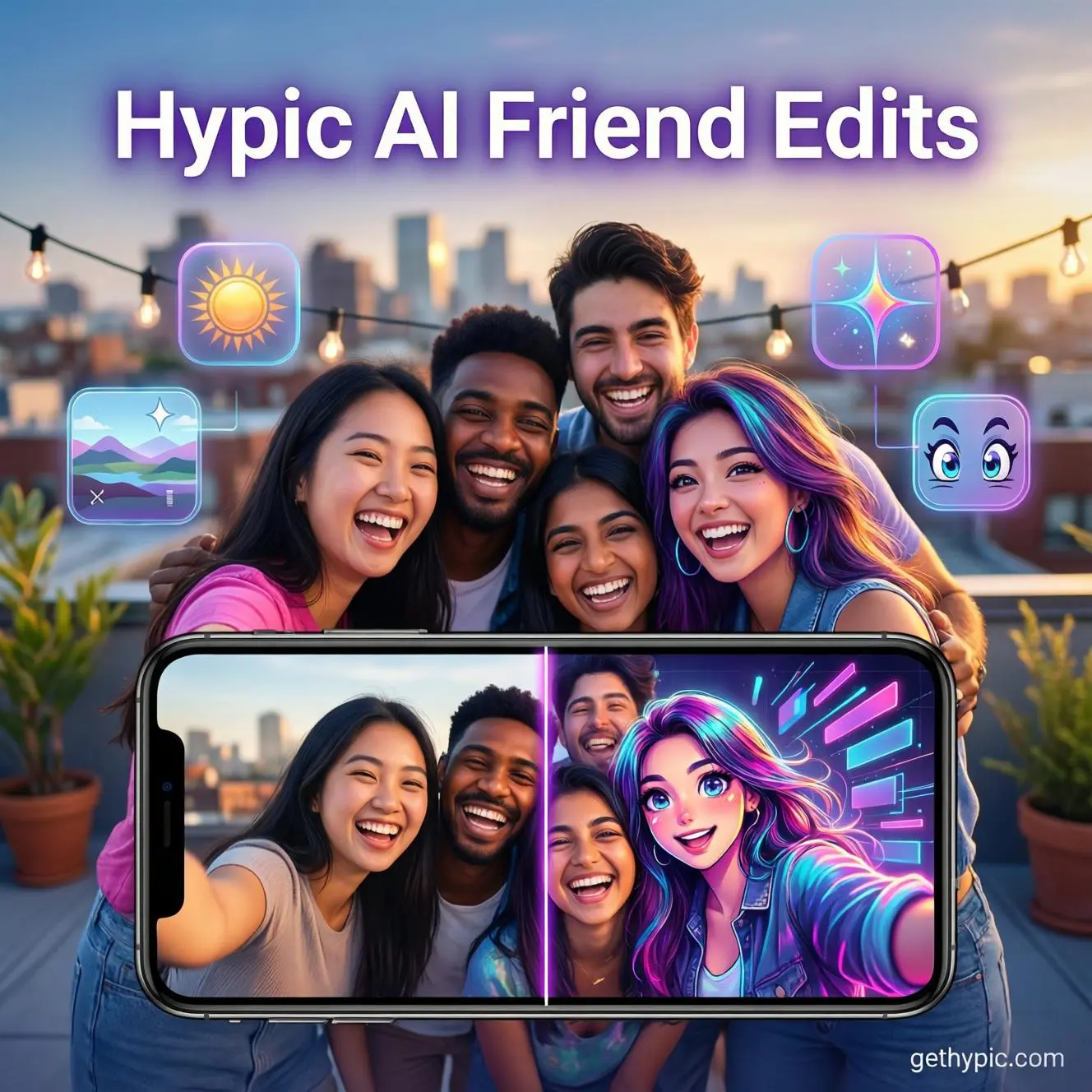
Top Fun Edits to Try With Friends Using Hypic AI (2026 Viral Photo Ideas)
Spending time with friends is always fun — but turning those memories into creative, eye-catching edits makes them unforgettable. In 2026, the Hypic AI photo editing app became one of the most popular tools for creating viral content in seconds.
If you’re searching for fun Hypic AI edits, viral photo editing ideas with friends, or trending AI group photo edit styles, this complete guide will give you practical, step-by-step ideas you can try today. If you’re on an iPhone, you can download Hypic for iOS and start creating these edits in seconds.
Whether you’re posting on Instagram, TikTok, Snapchat, or just upgrading your gallery, these are the best Hypic AI edits to try with friends in 2026.
1. AI Meme Mode – Turn Your Group Photo Into a Viral Meme
Memes still dominate social media engagement. With Hypic AI’s smart caption generator and expression filters, you can turn any normal group photo into a viral meme in under 30 seconds.
How to Create a Meme Edit in Hypic AI:
- Upload a funny or dramatic group photo.
- Use the AI caption generator for automatic text suggestions.
- Apply expression-enhancing or distortion filters.
- Add bold meme-style typography.
- Adjust contrast and brightness for punch.
Pro Tip: Reaction photos perform best. Exaggerated expressions increase shares and comments.
Best platforms for meme edits:
- Instagram Reels
- TikTok slideshows
- WhatsApp Status
- Facebook Stories
2. “Then vs Now” Friendship Transformation Edit
Nostalgia content always wins.
The “Then vs Now” edit compares old memories with your current squad photo — and it’s one of the most engaging group photo edit ideas in 2026.
Steps to Create It:
- Upload an old picture from your gallery.
- Add a recent group photo.
- Use split-screen or collage layout.
- Apply matching color filters for consistency.
- Add a small year label (e.g., 2018 vs 2026).
Why this works:
- Emotional storytelling
- High save rate
- Strong engagement on reels
This type of content performs especially well during friendship anniversaries or birthdays.
3. AI Background Swap Challenge (Trending in 2026)
Hypic AI’s background remover is one of its strongest AI tools.
You can:
- Remove messy backgrounds instantly
- Replace them with travel destinations
- Add cinematic lighting effects
- Create realistic depth and shadows
Try this viral challenge:
Edit your group photo in 5 different countries and ask followers to guess which one is real.
Background swap edits are among the most searched AI photo editing trends in 2026.
4. Anime or Cartoon Version of Your Squad
AI anime filters are going viral again.
Turn your real squad photo into:
- Anime characters
- Cartoon avatars
- Comic-style portraits
- 3D illustration effects
These AI art edits get high engagement because they look unique and creative.
Best use cases:
- Profile pictures
- Instagram highlights
- TikTok slideshows
- Birthday tribute posts
Anime edits are currently one of the most popular viral Hypic AI photo editing ideas.
5. Glow-Up Before & After Reel
Before-and-after edits grab attention instantly.
How to Create a Glow-Up Edit:
- Use AI beautify tools
- Adjust brightness and clarity
- Enhance skin smoothing
- Add subtle sharpness
- Export as short reel (10–15 seconds)
Add trending music and post during peak engagement hours.
Glow-up edits work especially well for:
- Graduation photos
- Event makeovers
- Casual hangouts
They are simple but extremely effective for social media growth.
6. Funny Face Swap Battle
Face swap is one of the most entertaining features in AI photo editing apps.
You can:
- Swap faces between friends
- Mix serious and funny expressions
- Add dramatic color grading
- Combine with meme captions
Make it interactive:
“Vote for the funniest swap!”
Interactive content increases comments, which improves algorithm reach.
7. Aesthetic Collage With Friendship Quotes
Instead of random photo dumps, create a clean aesthetic collage.
Add:
- Soft pastel filters
- Handwritten-style fonts
- Meaningful friendship quotes
- Date and memory tags
- Subtle blur background
This type of edit performs well for:
- Friendship anniversaries
- Birthday tributes
- Graduation celebrations
- Travel memories
Aesthetic collage edits are highly saveable and shareable.
Why Hypic AI Is Perfect for Friend Edits
Compared to complex apps like Photoshop or Lightroom, Hypic AI is:
If you’re unsure whether to use Hypic or other editors like CapCut, check out our detailed Hypic vs CapCut comparison before you decide.
✔ Beginner-friendly
✔ AI-powered automation
✔ Fast processing
✔ Mobile optimized
✔ Designed for social media creators
Most edits take less than 30 seconds.
Prefer editing on a bigger screen? You can also use Hypic for PC by following our simple setup guide.
After testing Hypic AI across multiple social media posts, it’s clear that speed and simplicity are its biggest advantages. Users don’t need layers, brushes, or technical knowledge — the AI handles most of the heavy work.
Frequently Asked Questions
Is Hypic AI free for editing photos in 2026?
Yes, most basic AI editing tools are free. Some premium filters may require a subscription.
What are the most viral Hypic AI edits right now?
Anime transformations, glow-up edits, and background swap challenges are currently trending.
Can beginners use Hypic AI easily?
Yes. Hypic AI is designed for users without professional editing experience.
Which edit type gets the highest engagement?
Interactive edits like face swap battles and before/after transformations usually generate the most comments and shares.
Final Thoughts
If you’re looking for viral Hypic AI photo editing ideas with friends, these creative styles will help you stand out in 2026.
The best part? You don’t need professional skills — just creativity, consistency, and a good group photo.
Start experimenting today. With the right idea and posting strategy, your next edit could be the one that goes viral.