Can Hypic Replace Photoshop for Basic Edits? (Honest 2026 Review)
If you only need basic photo editing, you might be wondering:
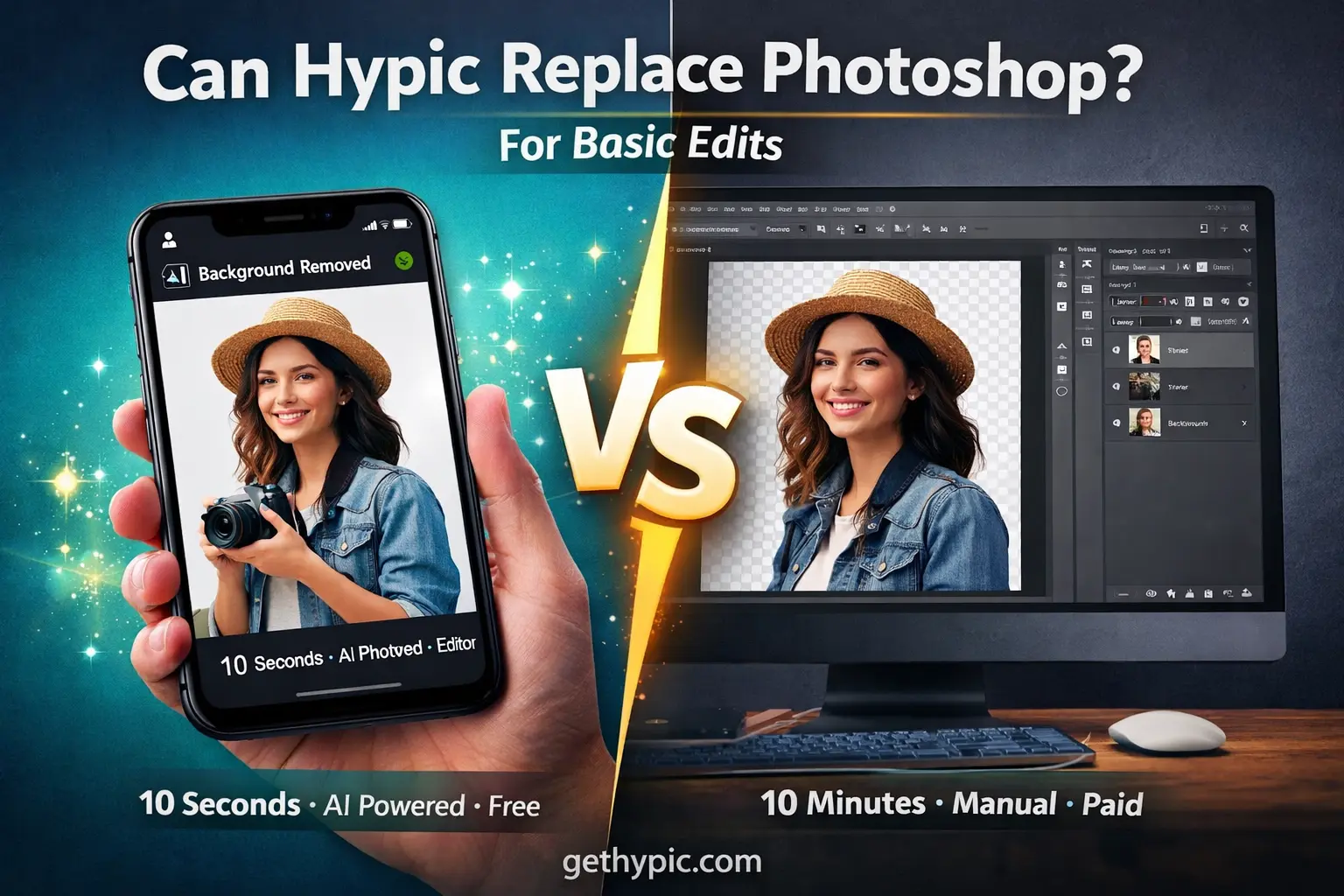
Can Hypic really replace Adobe Photoshop?
I’ve worked with both Hypic AI Photo Editor and Photoshop for social media content, thumbnails, posters, and everyday edits.
If you’re new to this tool, check our complete Hypic AI Photo Editor guide to understand all features.
Short answer?
Yes, Hypic can replace Photoshop for most basic edits — but not for everyone.
Let’s break it down honestly.
Understanding the Difference Between Hypic and Photoshop
Adobe Photoshop
Photoshop is a professional-grade photo editing software.
It’s designed for designers, photographers, and agencies who need full control over layers, masks, RAW files, and advanced retouching.
Hypic AI Photo Editor
Hypic is a free AI-powered photo editor made for speed and simplicity.
It focuses on one-tap AI tools instead of manual editing.
You can also use Hypic on desktop by following our Hypic for PC setup guide.
In simple words:
- Photoshop = Control & Precision
- Hypic = Speed & Convenience
Hypic vs Photoshop: Basic Editing Comparison
| Feature | Hypic Photo Editor | Adobe Photoshop |
|---|---|---|
| Crop & Resize | ✔ One-tap | ✔ Advanced |
| Auto Enhancement | ✔ AI-powered | ❌ Manual |
| Background Removal | ✔ One-click AI | ✔ Manual / Paid AI |
| Filters & Effects | ✔ Ready presets | ✔ Custom filters |
| Layers | ❌ Not available | ✔ Full support |
| Text Editing | ✔ Basic | ✔ Advanced |
| Retouching | ✔ AI tools | ✔ Manual precision |
| Ease of Use | ⭐⭐⭐⭐⭐ Very easy | ⭐⭐ Complex |
| Pricing | Free (optional paid) | Paid subscription |
👉 For basic edits, Hypic clearly wins on ease and speed.
For a broader comparison, see our detailed Hypic vs other photo editing apps comparison.
What Makes Hypic a Strong Photoshop Alternative?
Hypic removes complexity.
You don’t need tutorials, brushes, or layers.
Key Benefits of Hypic
- Free to Use
Most features are available without a subscription. - AI-Powered Editing
Background removal, enhancement, and beautify tools work instantly. - Beginner-Friendly Interface
Anyone can use it without prior editing experience. - Fast Results
What takes 10 minutes in Photoshop often takes 10 seconds in Hypic.
Which Basic Edits Can Hypic Handle Easily?
From real usage, Hypic covers almost all everyday editing needs:
Hypic Can Do:
- Cropping and rotating images
- Enhancing photo quality
- Removing or replacing backgrounds
- Adding text and stickers
- Applying filters and effects
- Creating posters and collages
- AI-generated art and graphics
To get faster and better results, you can also use ready-made Hypic AI prompts.
Supported File Types
- JPG
- PNG
- WebP
Export quality is high-resolution, perfect for social media and web use.
Who Should Use Hypic Instead of Photoshop?
Hypic is ideal for:
- Students working on projects
- Bloggers and website owners
- Social media creators
- Small business owners
- Influencers and casual editors
If your goal is quick, good-looking results, Hypic works perfectly.
Where Hypic Falls Short (Important)
Hypic is not built for professionals.
Missing Features in Hypic:
- Layer management
- Blending modes
- RAW file editing
- Smart objects
- Advanced masking
- Batch processing
- 3D editing
If you work with PSD files or professional photo retouching, Photoshop is still unmatched.
If privacy is a concern, read our full guide on Hypic photo privacy and safety.
Hypic’s AI Tools That Replace Manual Photoshop Work
This is where Hypic shines.
Top AI Tools in Hypic:
- AI Cutout
Removes backgrounds instantly — no masking needed. - AI Enhancer
Improves sharpness, lighting, and clarity automatically. - AI Filters
Turns photos into artistic or cinematic styles. - AI Beautify
Perfect for portraits and selfies with one tap.
These tools do in seconds what takes manual effort in Photoshop.
Hypic vs Photoshop Mobile Apps
Many users compare Hypic with Photoshop Express.
| Feature | Hypic | Photoshop Express |
|---|---|---|
| Free Tools | ✔ Many | ❌ Limited |
| AI Editing | ✔ Advanced | ✔ Limited |
| Collage Maker | ✔ Built-in | ❌ Separate app |
| Ads | Minimal | Present |
👉 For mobile users, Hypic offers more value for free.
Can Hypic Fully Replace Photoshop?
The Honest Answer:
- For basic and casual editing → YES
- For professional design work → NO
Photoshop is best for designers and photographers.
Hypic is best for creators who want speed and simplicity.
FAQs
Can Hypic edit RAW files like Photoshop?
No. Hypic supports JPG, PNG, and WebP only.
Is Hypic safe to use?
Yes. Hypic is widely used and no major security issues have been reported.
Does Hypic work offline?
No. Most AI features require an internet connection.
Can I design logos with Hypic?
You can create simple logos, but professional branding is better done in Photoshop or Illustrator.
What devices support Hypic?
Hypic is available on Android, iOS, Windows, and macOS.
If compatibility matters, you can also download the Hypic old version safely.
Final Verdict
Hypic is one of the best free AI photo editors available today.
For everyday photo editing, social media content, and quick designs — it can replace Photoshop easily.
If you need:
- Speed ✔
- Simplicity ✔
- AI automation ✔
Hypic is more than enough.
If you need:
- Full creative control
- Professional workflows
👉 Photoshop still wins.