Best Hypic AI Editing Tips & Hidden Features (2026 Ultimate Guide)
AI photo editing has completely changed how people edit photos. Now you don’t need advanced editing skills, because smart AI apps can do most of the work for you. That’s why the Hypic AI Photo Editor has become very popular among creators, students, influencers, and business owners.
In this 2026 complete guide, you will learn the best Hypic AI editing tips, hidden features, filters, and pro tricks. These will help you make your photos look professional, even if you are a beginner.
What Is Hypic AI Photo Editor?
Hypic AI Photo Editor is a smart photo editing app powered by artificial intelligence. It helps you enhance photos, apply stylish filters, remove backgrounds, retouch portraits, and create social-media-ready posts in just a few taps.
The Best Part?
It is simple, fast, and beginner-friendly, yet powerful enough to make high-quality, professional visuals.
Why People Love AI Editing in Hypic?
People love AI photo editing because it saves time and makes photos look clean, polished, and professional. Hypic AI Photo Editor gives easy-to-use tools and smart features that are perfect for both beginners and professionals.
Main Reasons to Use Hypic AI Editing:
- Easy for Beginners: No editing skills needed, just tap and see the result.
- Fast & Efficient: Edit photos in seconds.
- Professional Results: Perfect for social media, business, and personal photos.
- All-in-One AI Tools: Great for Instagram posts, reels, product photos, travel shots, and portraits.
- Stress-Free Editing: Smooth and simple editing without complicated steps.
Best Hypic AI Photo Editing Tips You Must Try in 2026
Here comes the real value, practical Hypic AI photo editing tips that actually work and help you make your photos look professional.
Tip 1: Use AI Filters Smartly (Avoid Overdoing)
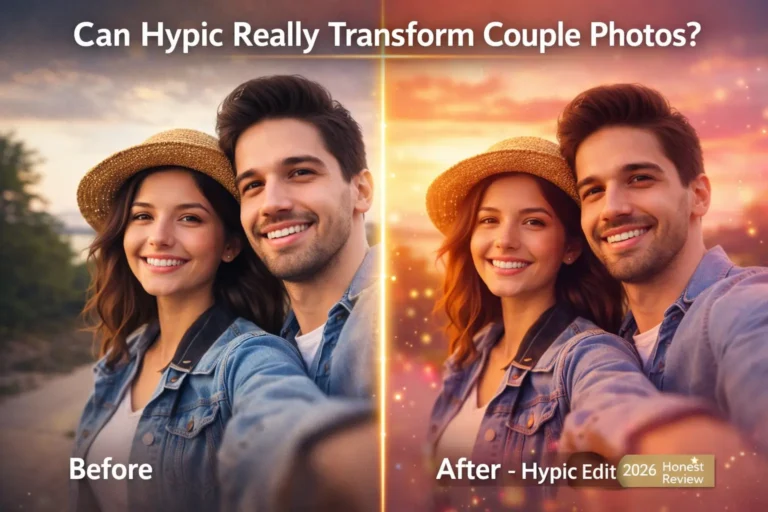
Hypic AI-powered filters can completely change the mood and style of your photos. But avoid using too much; subtle adjustments look more natural.
Best For:
✔ Aesthetic selfies
✔ Travel photos
✔ Lifestyle images
✔ Fashion photography
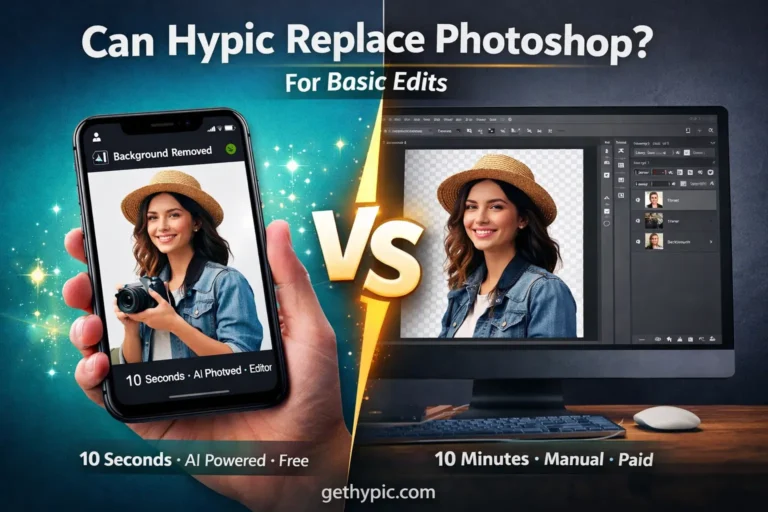
Tip 2: Remove Backgrounds Like a Pro
The AI background remover in Hypic is a powerful feature that deletes messy or unwanted backgrounds with just one tap. It’s perfect for beginners and professionals, giving your photos a clean, polished look.
Perfect For:
✔ Product photos
✔ E-commerce listings
✔ Profile pictures
✔ Business branding
✔ Clean social media posts
Pro Tip:
After removing the background, you can add:
1. New backgrounds
2. Gradient shades
3. Solid studio colors
This feature helps you create professional-quality photos — no Photoshop needed.
Tip3: Keep Portrait Retouching Natural
Hypic’s AI portrait tools smooth skin, remove blemishes, and balance tone. But avoiding over-editing is important — natural edits always look more realistic.
Best Practices:
✔ Use slight skin smoothing only
✔ Keep natural skin texture
✔ Avoid a plastic or fake look
✔ Adjust lighting for face clarity
This keeps your portraits clean, realistic, and professional, perfect for social media and portfolios.
Tip4: Use AI Tools for Quick Enhancements
Hypic’s AI tools instantly enhance your photos and give a professional look. These tools are great for both beginners and pros.
Best Practices:
✔ Auto color correction for balanced tones
✔ AI skin retouch for clean portraits
✔ Background removal for product photos
✔ Quick filters for social media posts
✔ One-tap enhancements for fast results
This makes your photos polished, professional, and ready for social media.
Tip5: Use Templates for Reels & Quick Content
Hypic’s ready-to-use templates help you create fast and professional social media content. This feature is perfect for busy creators, influencers, and businesses who want to make short videos, reels, and posts quickly.
Best For:
✔ Instagram Reels and short videos
✔ Posters and banners
✔ Stories and social media ads
Just select a template → add your photos → export. This easy method saves time and makes content creation smooth and efficient.
Tip6: Use Noise & Quality Enhancer for Blurry Photos
Hypic’s AI Image Enhancer instantly improves old, dark, or blurry photos. It restores sharpness, fixes lighting, improves clarity, and reduces unwanted noise, giving your photos a professional look.
Top Features:
✔ Restore sharpness
✔ Fix lighting and exposure
✔ Improve clarity
✔ Reduce noise
Best For:
✔ Old family photos
✔ Low-light pictures
✔ Portraits
✔ Travel shots
This tool makes your photos crystal clear and high-quality, without pixel break.
Tip7: Try Creative Prompts for Unique Results
Using Hypic’s AI prompt features, you can create creative and unique content quickly. These tools help you implement ideas and achieve professional-level results.
Best For:
✔ Posters and banners
✔ Logos and branding elements
✔ Unique photo edits
✔ Social media posts and stories
This helps your content stand out and grab more attention.
Hidden Features Most Users Don’t Know — Real Power Tools
Hypic has some hidden features that many users miss, but these tools can take your photo editing to a professional level.
Must-Try Hidden Features:
- Batch Editing — edit multiple photos at once and save time
- Sticker Maker / Smart Cut Out — turn objects or subjects into creative stickers
- Edge Refining AI — clean and smooth outlines for hair and fine details
- Auto-Enhance Slider — one-tap automatic improvement for better photos
- Image Expander / Outpainting — naturally extend photo edges
- Preset Filters — save your favorite settings for quick edits
- Transparent PNG Export — perfect for branding, logos, and design projects
Most users miss these features, but they are the real tools that make your photos professional and eye-catching.
Common Editing Mistakes to Avoid
If you want your photos to look professional and polished, avoid these common editing mistakes:
❌ Over-smooth skin: keep natural texture
❌ Extremely bright filters: subtle and realistic look works best
❌ Fake-looking backgrounds: use natural and clean backgrounds
❌ Too much saturation: balance your colors
❌ Ignoring lighting balance: set proper brightness and contrast
Always keep your edits clean, simple, and realistic for professional and eye-catching results.
Who Should Use This App?
This AI photo editor is perfect for anyone who wants to create professional and eye-catching photos without using complicated software or spending too much time.
Best For:
✔ Social media influencers and content creators
✔ Photography lovers and travel bloggers
✔ Students for projects and portfolios
✔ Business owners and marketers
✔ E-commerce sellers for product photos
✔ Design and creative content creators
This app is for anyone who wants to make beautiful and professional photos quickly and easily.
Final Thoughts: Start Editing Smarter
AI photo editing is the future, and the Hypic AI Photo Editor makes it easy for anyone to create stunning visuals in just a few minutes. Whether you use filters, templates, remove backgrounds, or enhance image quality — everything you need is available in one place.
This app is perfect for beginners and professionals alike, helping you create professional, eye-catching, and social media-ready photos.
You Can Also Check:
🔗 Hypic Mod APK (VIP Unlocked)
🔗 How to Use Hypic on PC
🔗 Download Hypic for iOS