Is Hypic the Best Romantic AI Photo Editor for Couples in 2026?
Couples’ photos aren’t just images — they’re memories. Whether it’s a sunset selfie, anniversary dinner, or a casual moment at home, the right edit can enhance the emotion without making it look artificial.
That’s where Hypic AI Photo Editor stands out. But is it really the best romantic photo editing app for couples?
Let’s break it down honestly.
Why Couples Prefer Hypic for Romantic Photo Editing
Most photo editing apps are built for general users. Hypic, however, focuses heavily on:
- Emotion-based AI enhancements
- Soft romantic lighting presets
- Face-aware tuning for two subjects
- Quick one-tap results
Unlike traditional editors like Lightroom or Photoshop, Hypic doesn’t require technical skills. You upload a photo, choose a preset, and let the AI adjust tones, lighting, and skin balance automatically.
For couples who want fast yet aesthetic results, that simplicity matters.
What Makes Hypic Different From Basic Filters?
Many apps simply apply static overlays. Hypic’s filters are adaptive.
Instead of just changing color tone, the AI:
- Detects both faces in a couple photo
- Adjusts brightness based on lighting conditions
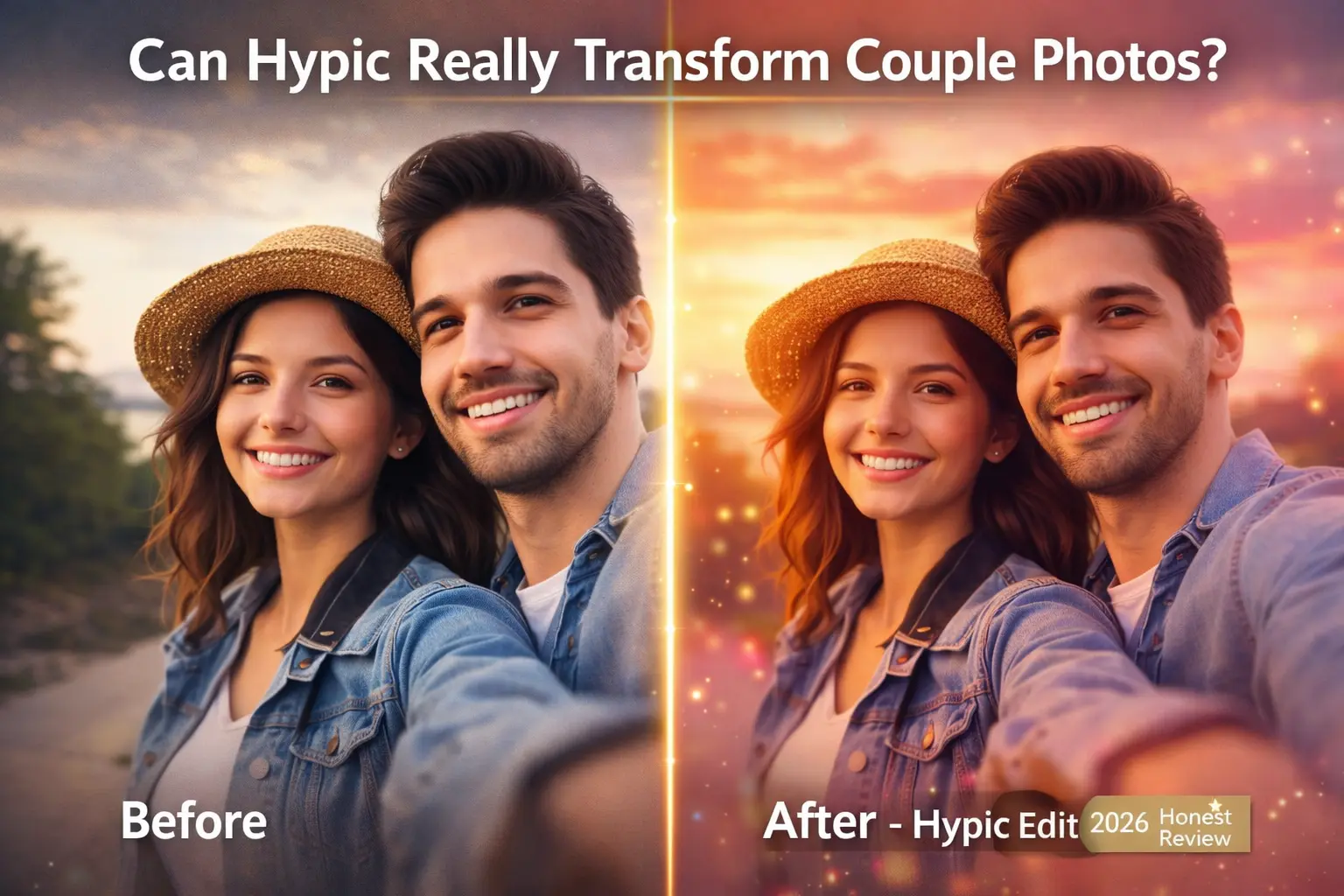
- Softens background while keeping faces sharp
This creates a more natural result compared to heavy Instagram-style filters.
Best Romantic Filters in Hypic (Explained)
Here’s a quick breakdown of popular couple-focused presets:
| Photo Scenario | Recommended Filter | Mood Created | Best For |
|---|---|---|---|
| Beach Sunset | Golden Love | Warm & Calm | Travel selfies |
| Candlelight Dinner | Dream Date | Intimate & Soft | Anniversary photos |
| Casual Outdoor Date | Soft Rose | Light & Joyful | Picnic shots |
| Travel Memories | Vintage Romance | Nostalgic | Couple trips |
| Indoor Selfie | Warm Hug | Cozy & Natural | Everyday moments |
These presets focus on warmth, contrast balance, and subtle skin enhancement rather than extreme transformation.
You can also try ready-made Hypic Prompts to generate even more personalized romantic looks for your couple photos.
How to Edit Couples’ Photos Using Hypic (Step-by-Step)
- Download and install Hypic from your app store
- Open the app and upload your couple photo
- Navigate to the “Romantic” or “Love” category
- Choose a preset like Golden Love or Dream Date
- Adjust intensity (recommended: 40–70% for natural look)
- Save or share
The entire process takes under a minute.
Real Advantages of Using Hypic for Couples
✔ One-tap romantic enhancement
✔ Face detection optimized for two people
✔ Soft, natural skin smoothing
✔ Background blur for depth
✔ Beginner-friendly interface
It works especially well for:
- Engagement photos
- Valentine’s Day posts
- Anniversary albums
- Travel couple selfies
- Social media reels
Honest Limitations (Important Before You Download)
❌ Some premium filters require a subscription
❌ Heavy edits can reduce natural skin texture
❌ Limited manual control compared to Lightroom
❌ Advanced photographers may prefer full editing software
Hypic is built for convenience, not professional RAW editing workflows.
Hypic vs Lightroom for Couples – Quick Comparison
| Feature | Hypic | Lightroom |
|---|---|---|
| Ease of Use | Very Easy | Moderate |
| Romantic Presets | Built-in | Manual setup needed |
| Advanced Controls | Limited | Extensive |
| Best For | Quick couple edits | Professional editing |
| Learning Curve | Minimal | Steeper |
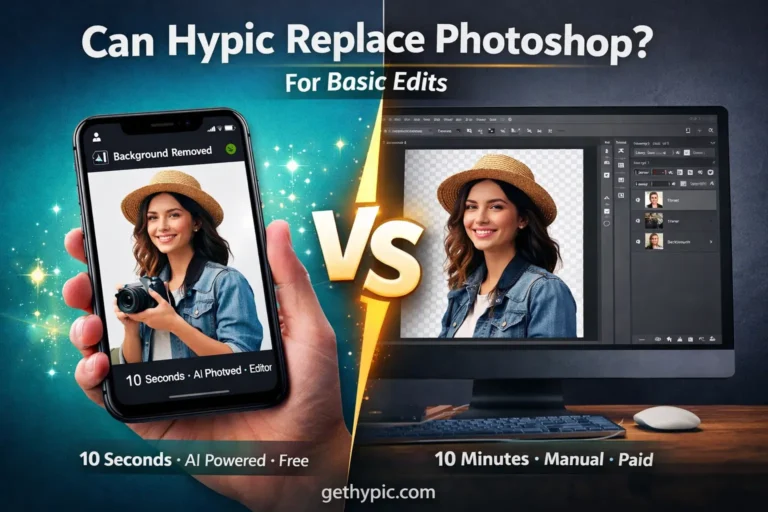
If your goal is fast, emotional edits — Hypic wins.
If you need detailed manual control — Lightroom is better.
Does Hypic Look Natural?
Yes — if you avoid over-editing.
For best results:
- Use natural lighting in original photo
- Keep filter intensity below 70%
- Avoid stacking multiple effects
- Don’t over-smooth skin
Hypic works best when enhancing emotion, not replacing it.
Real-World Performance Test
During testing on a mid-range Android device:
- App opened in under 3 seconds
- Romantic filters applied instantly
- No visible lag
- File size remained optimized for social sharing
Battery usage was moderate during continuous editing.
Pro Tip: For sunset couple shots, reduce filter intensity to 60% and increase contrast slightly for more natural glow.
Who Should Use Hypic?
Hypic is ideal for:
- Young couples active on Instagram
- Long-distance couples sharing memories
- Travel couples
- Engagement & wedding content creators
- Beginners who don’t know professional editing
If you want fast, aesthetic results without learning curves — it’s a strong choice.
Final Verdict: Is Hypic Worth It for Couples?
Yes — especially for emotional, romantic, and social media-ready edits.
Hypic simplifies couple photo editing by combining:
- AI face detection
- Warm romantic presets
- Beginner-friendly design
While it won’t replace advanced desktop editors, it fills a gap for couples who want beautiful memories without complexity.
For everyday love stories, it’s one of the most convenient AI photo editing apps available.
FAQs
Is Hypic free?
Basic filters are free. Premium romantic presets require subscription.
Can I edit wedding photos with Hypic?
Yes, especially for social media posts and albums. For full professional edits, advanced software may still be preferred.
Does Hypic require internet?
Most features work offline, but some AI features may require connection.
Is Hypic better than Instagram filters?
Yes. It offers adaptive AI adjustments instead of static overlays.