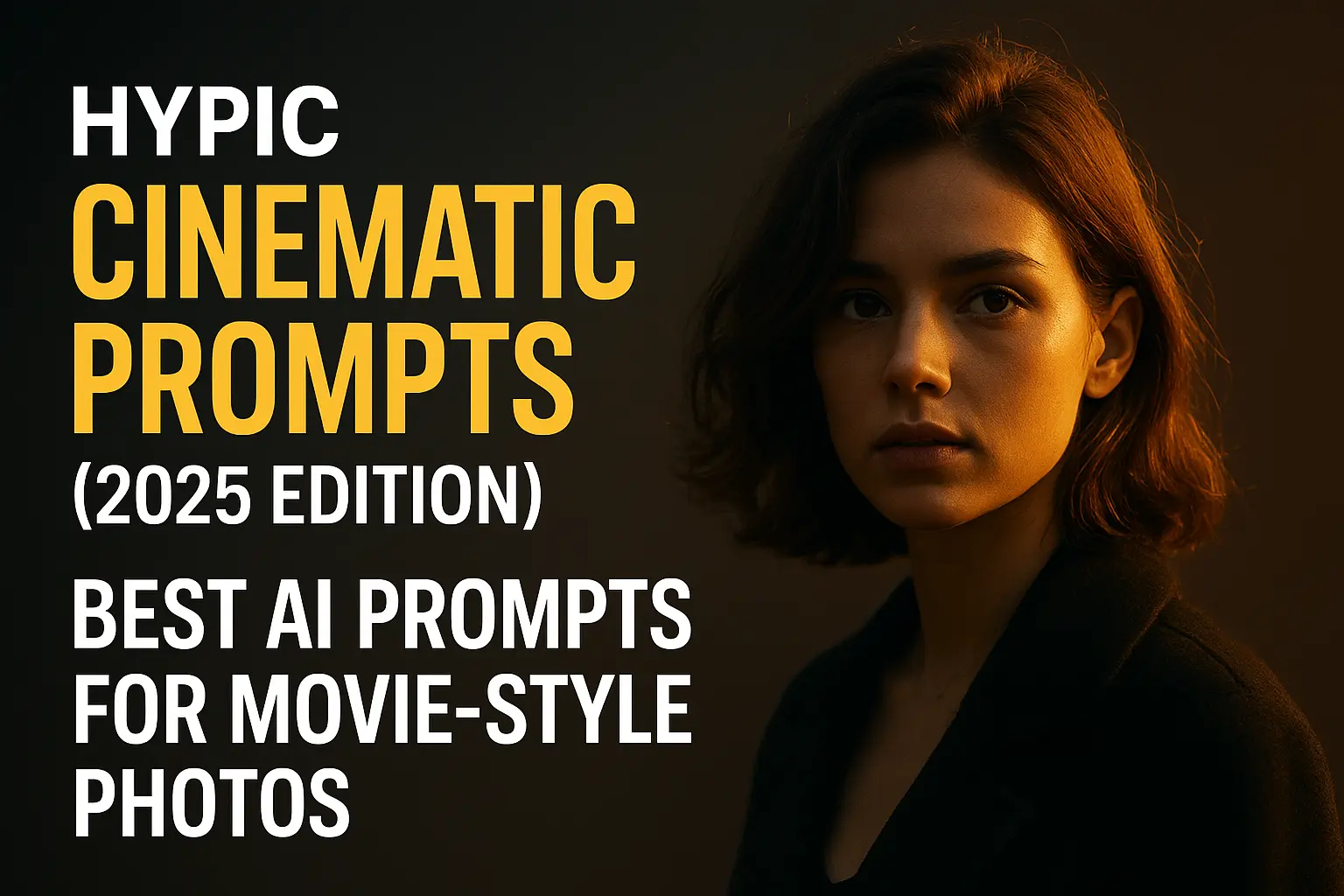
Hypic Cinematic Prompts (2025 Edition) – Best AI Prompts for Movie-Style Photos
Are you trying to create cinematic photos using Hypic but don’t know which prompts work best?
Don’t worry — this guide has the ultimate list of Hypic cinematic prompts for dramatic lighting, movie-style color grading, bokeh, and storytelling vibes.
Whether you take portraits, travel photos, reels, or creative edits, these prompts will instantly upgrade your visuals and make them look like scenes from a film.
All prompts are ready to copy → paste directly inside the Hypic app..
What Are Cinematic Prompts in Hypic?
Cinematic prompts are short text commands that tell Hypic’s AI what kind of movie-like mood, lighting, and color tone you want.
For example:
“Moody cinematic lighting, deep shadows, warm highlights, film-grade color tone”
Hypic will instantly apply dramatic contrast, film-like colors, and depth — just like a real movie frame.
Best Hypic Cinematic Prompts (2025)
Copy your favorite ones and paste them directly into Hypic AI Editor.
1. Classic Movie Look Prompts
Perfect for cinematic portraits or dramatic storytelling shots.
- “Cinematic portrait, soft shadows, warm highlights, film grain, dramatic depth”
- “Movie-scene color grading, teal & orange tone, crisp details, soft contrast”
- “Dark cinematic mood, intense shadows, low-key lighting, 50mm lens look”
- “Hollywood film look, natural skin tone, creamy highlights, deep contrast”
2.Travel & Landscape Cinematic Prompts
Great for sunsets, mountains, and outdoor photos.
- “Golden hour cinematic shot, glowing sun, warm tones, dramatic sky”
- “Moody mountain scene, desaturated colors, film grain, foggy atmosphere”
- “Cinematic travel edit, crisp horizon, deep contrast, soft blue sky”
- “Epic wide-angle shot, movie lighting, warm shadows, clean highlights”
3. Cinematic Bokeh & Depth Prompts
Ideal for portrait and street photography.
- “Creamy bokeh, cinematic depth of field, soft background blur, film-style tone”
- “Night street bokeh, neon lighting, reflective surfaces, cyberpunk mood”
- “Shallow depth, soft background glow, warm foreground lighting”
- “Moody streets, soft bokeh lights, teal & red color mix, cinematic atmosphere”
4. Dark & Dramatic Cinematic Prompts
If you want emotional, thriller-like vibes.
- “Noir-style cinematic portrait, dramatic shadows, cold highlights, mystery mood”
- “Dark film look, low exposure, strong contrast, vintage grain”
- “Rainy cinematic shot, reflections on pavement, moody lighting”
- “High-drama portrait, desaturated skin tone, deep shadow falloff”
5. Color-Graded Film Style Prompts
For classic film lovers.
- “Vintage film look, soft grain textures, warm highlights, retro palette”
- “70s movie style, creamy tones, warm shadows, faded colors”
- “Modern cinematic grade, teal & gold mix, high clarity, crisp edges”
- “Art-house film look, moody colors, low contrast, soft glow”
How to Use Cinematic Prompts in Hypic
Using these prompts is super simple:
- Open Hypic App
- Select AI Editor
- Choose a portrait or landscape photo.
- Paste any prompt from this post
- Tap Generate
Within seconds, your photo will look like a movie still!
Pro Tip:
Try combining prompts like:
“Cinematic glow + teal & orange grade + creamy bokeh depth.”
Final Thoughts
Cinematic editing is one of the most popular trends in 2025 — and Hypic’s AI makes it incredibly easy.
Whether you shoot portraits, landscapes, or reels, these prompts will give your photos a dramatic, film-like quality.
Start experimenting with different combinations and build your own signature cinematic style!