Best Reference Photos for Hypic AI Editing (2026 Guide)
Quick Answer
Looking for the best reference photos to use with Hypic AI Editing?
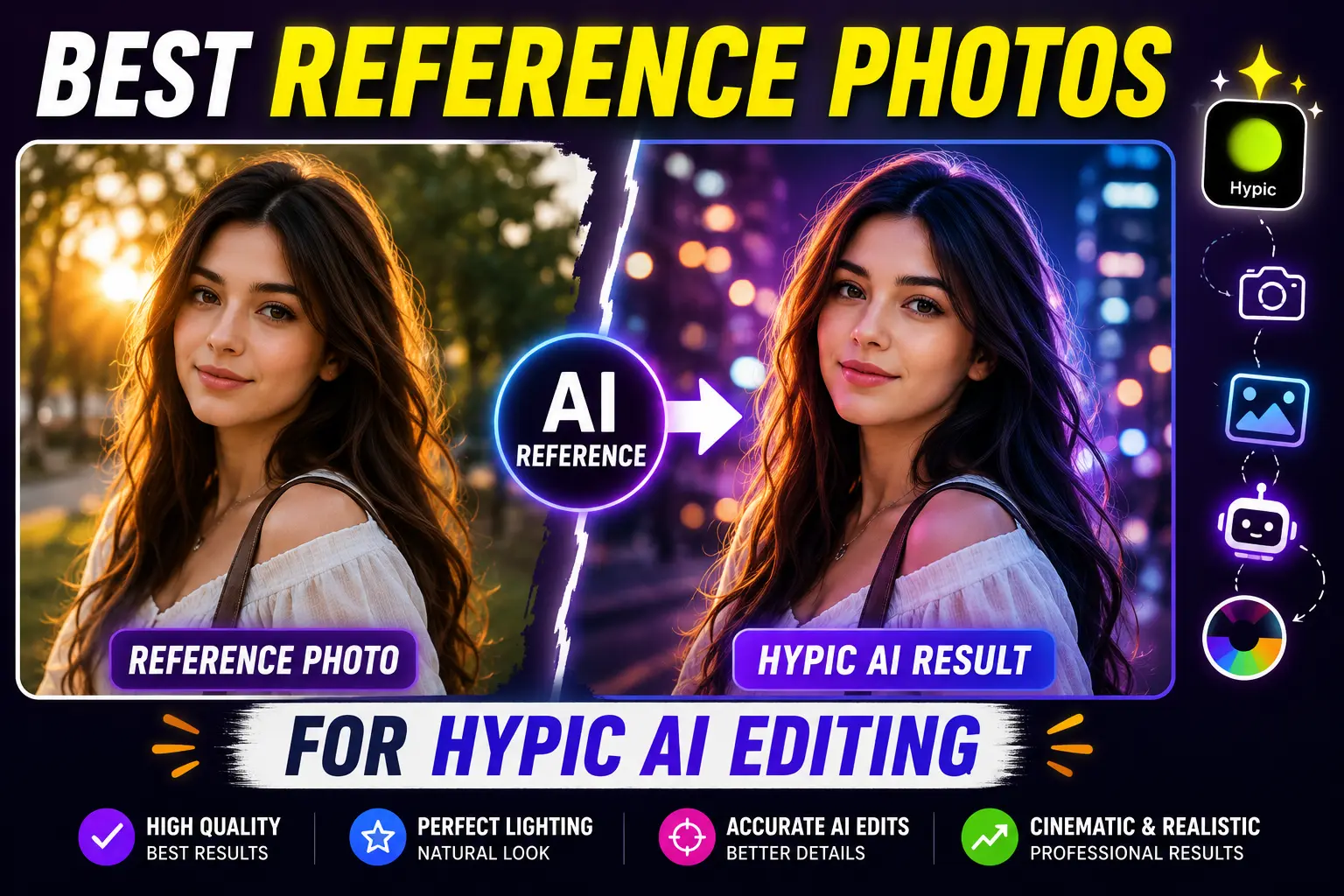
The best reference photos are clear, high-quality images that showcase the exact style, lighting, colors, or composition you want Hypic AI to recreate. Portraits with natural lighting, cinematic scenes, golden hour photos, studio lighting, anime-inspired artwork, and vintage film images usually produce the most impressive results.
In this guide, you’ll discover the best types of reference photos for Hypic AI Editing, when to use each style, and practical tips to achieve more accurate and realistic edits.
If you’re looking to explore more AI-powered editing features beyond reference photos, check out our complete collection of Hypic AI editing tools and features.
What Are Reference Photos in Hypic?
Reference Photos are images you upload to guide Hypic’s AI during the editing process.
Instead of generating random results, Hypic analyzes the uploaded image and uses it as inspiration for elements such as:
- Lighting
- Background
- Color grading
- Mood
- Composition
- Facial style
- Camera angle
- Overall aesthetic
The better your reference image, the better your final result will usually be.
If you want even more accurate AI results, you can also try our curated collection of Hypic AI prompts for different editing styles and creative effects.
Why Choosing the Right Reference Photo Matters
Many people assume any image will work.
It won’t.
A low-quality or poorly lit reference photo often produces inconsistent AI edits.
A strong reference image helps Hypic understand exactly what visual style you want.
Benefits include:
- More realistic AI edits
- Better lighting consistency
- Improved facial details
- More natural colors
- Stronger cinematic effects
- Higher-quality backgrounds
Our Experience Testing Reference Photos in Hypic
After testing different types of reference photos in Hypic, one thing became clear: image quality has a bigger impact than most people expect. Photos with natural lighting, a single clear subject, and minimal editing consistently produced the most realistic AI results.
On the other hand, blurry screenshots, heavily filtered social media images, or photos with multiple people often confused the AI, leading to inconsistent colors, inaccurate facial details, or unrealistic backgrounds.
If you want reliable results every time, spend a few extra minutes choosing a high-quality reference image before starting your edit. It can make a noticeable difference in the final output.
For more precise editing and a larger workspace, many creators prefer using Hypic for PC when working with AI reference photos.
Best Reference Photo Styles for Hypic AI Editing
1. Golden Hour Portraits
Golden hour photos are among the most popular reference images.
They provide:
- Warm sunlight
- Soft shadows
- Natural skin tones
- Cinematic atmosphere
Perfect for:
- Portraits
- Selfies
- Lifestyle photos
2. Blue Hour Photography
Blue hour creates a cool and dreamy atmosphere.
Ideal for:
- City portraits
- Street photography
- Night aesthetics
- Moody edits
Works especially well with Hypic’s Quick Adjust Vibe feature.
If you enjoy cool cinematic tones, don’t miss our guide on Quick Adjust Vibe in Hypic, where we explain how to transform ordinary photos into stunning blue hour and golden hour edits.
3. Studio Lighting Portraits
Professional studio photos help AI understand:
- Facial lighting
- Skin texture
- Beauty photography
- Clean backgrounds
Excellent for profile pictures.
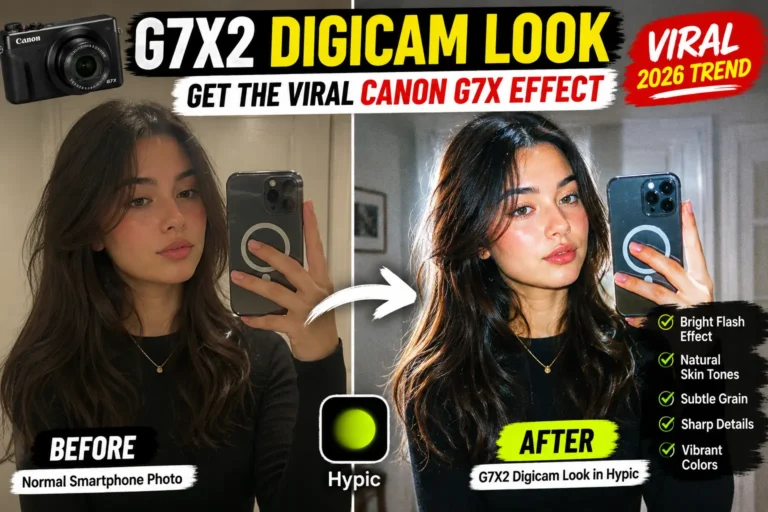
4. Canon G7X Camera Photos
The Canon G7X aesthetic has become extremely popular.
Using real G7X photos as references can help recreate:
- Flash photography
- Soft highlights
- Natural colors
- Premium camera look
5. Cinematic Movie Scenes
Movie stills create dramatic edits.
Great for:
- Posters
- Storytelling photos
- Moody portraits
- Film-inspired edits
Choose high-resolution frames with clear lighting.
6. Vintage Film Photos
Vintage references add:
- Film grain
- Retro colors
- Soft contrast
- Nostalgic mood
Perfect for Instagram creators.
7. Fashion Editorial Images
Magazine-style photos help generate:
- Premium poses
- Stylish backgrounds
- Luxury aesthetics
- High-end color grading
8. Travel Photography
Travel photos work well when changing backgrounds.
Popular choices include:
- Mountains
- Beaches
- Forests
- European streets
- Cafés
- Rooftops
9. Neon City Photos
Neon references create futuristic edits.
Common elements include:
- Purple lighting
- Blue reflections
- Rainy streets
- Cyberpunk atmosphere
10. Anime-Inspired Artwork
If you’re creating stylized edits, anime references help produce:
- Vibrant colors
- Fantasy lighting
- Artistic backgrounds
- Creative portraits
Before vs After: Why the Right Reference Photo Matters
The quality of your reference image directly affects the final AI edit. Here’s a simple comparison.
| Poor Reference Photo | High-Quality Reference Photo |
|---|---|
| Blurry or pixelated | High resolution and sharp |
| Multiple people | One clear subject |
| Heavy filters | Natural colors |
| Dark lighting | Balanced lighting |
| Low detail | Clear facial features |
When Hypic receives a clean and well-lit reference photo, it can better understand lighting, colors, facial features, and composition, resulting in more natural and visually appealing edits.
What Makes a Good Reference Photo?
Not every image delivers great AI results.
The best reference photos usually have:
| Feature | Why It Matters |
|---|---|
| High Resolution | Preserves details for AI analysis |
| Good Lighting | Produces cleaner edits |
| Sharp Subject | Improves facial recognition |
| Clear Colors | Helps AI recreate the desired look |
| Minimal Blur | Prevents inaccurate results |
| Balanced Exposure | Creates realistic lighting |
Good vs Poor Reference Photos
| Good Reference Photo | Poor Reference Photo |
|---|---|
| High-resolution image | Low-resolution screenshot |
| Sharp subject | Blurry subject |
| Natural lighting | Very dark or overexposed |
| One person | Multiple faces |
| Minimal editing | Heavy filters and effects |
| Clear background | Busy or distracting background |
Choosing the right reference photo helps Hypic’s AI recognize important visual details more accurately, improving the overall quality of the generated edit.
Tips for Better AI Results
Follow these best practices before uploading a reference image.
Use High-Resolution Images
Avoid blurry screenshots.
Match the Camera Angle
A similar angle helps AI recreate poses naturally.
Keep Lighting Similar
If your original photo is indoors, use an indoor reference whenever possible.
Avoid Heavy Filters
Natural images give AI more accurate visual information.
Choose One Clear Style
Don’t mix multiple aesthetics in one reference image.
Common Mistakes to Avoid
Many users get disappointing results because of simple mistakes.
Avoid:
- Low-quality screenshots
- Blurry photos
- Overedited Instagram images
- Images with multiple faces
- Poor lighting
- Extremely dark references
- Low-resolution downloads
If certain AI features aren’t available in your app, you may need to install one of the older Hypic versions that still supports them.
What Reference Photos Can’t Do
Reference photos are powerful, but they also have limitations. Even the best reference image cannot completely replace the original quality of your photo.
Keep these limitations in mind:
- A reference photo cannot fully recover missing details from a low-quality image.
- Extremely blurry or noisy photos may still produce imperfect results.
- AI cannot completely replicate the hardware quality of professional cameras.
- Different facial features and lighting conditions may affect the final output.
For the most realistic edits, combine a high-quality original photo with a clear and well-lit reference image.
Best Sources for Reference Photos
If you need inspiration, consider using:
- Your own DSLR photos
- Original smartphone portraits
- Travel photography
- Professional portrait sessions
- Mood boards you’ve created
- Copyright-free image collections
Always respect copyright and avoid using images in ways that violate creators’ rights.
Which Reference Style Should You Choose?
Not sure which type of reference photo is right for your project? The table below can help you choose the best style based on the result you want to achieve.
| Your Goal | Best Reference Style |
|---|---|
| Natural Portraits | Golden Hour Photos |
| Professional Headshots | Studio Lighting |
| Travel Photography | Landscape Photos |
| Social Media Content | Canon G7X Photos |
| Cinematic Portraits | Movie Scenes |
| Vintage Aesthetic | Film Photography |
| Anime-Style Edits | Anime Artwork |
| Night Photography | Blue Hour Photos |
Using a reference image that matches your creative goal helps Hypic generate more accurate and visually consistent results.
iPhone users can achieve the same AI editing results by using Hypic for iPhone, as all major reference photo features are available on iOS.
Frequently Asked Questions
What is the best reference photo for Hypic?
A high-resolution image with clear lighting, sharp details, and the exact style you want the AI to recreate.
Do reference photos improve AI edits?
Yes. A strong reference image gives Hypic clearer visual guidance, which usually leads to more accurate and realistic results.
Can I use my own photos as references?
Absolutely. Your own photos often work best because they match your preferred style and are free of copyright concerns.
Should reference photos be edited?
It’s usually better to use clean, minimally edited images so the AI can accurately interpret lighting, colors, and composition.
Which style produces the best results?
Golden hour portraits, cinematic scenes, and professional studio photos are among the most reliable choices for high-quality AI edits.
Final Thoughts
Choosing the right reference photo can dramatically improve your Hypic AI editing results. Whether you’re aiming for a warm golden hour portrait, a cinematic movie scene, or the trendy Canon G7X aesthetic, using a clear and high-quality reference helps the AI understand exactly what you want to create.
Experiment with different styles, compare the results, and build a small collection of your favorite reference photos. Over time, you’ll discover which types of images consistently produce the most natural and visually striking edits in Hypic.