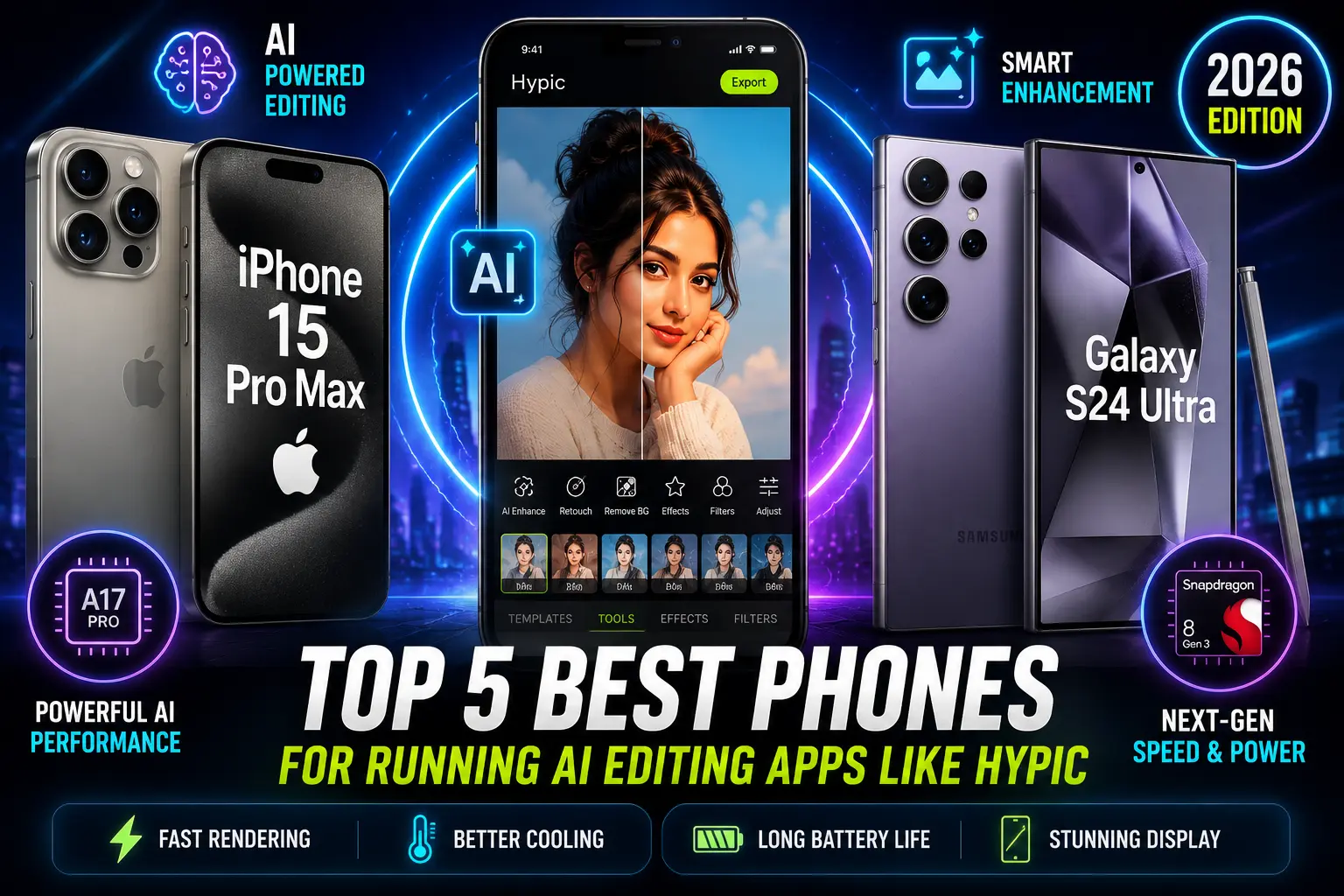
Top 5 Best Phones for Running AI Editing Apps Like Hypic in 2026
AI photo editing apps like Hypic have completely changed mobile creativity. You can also explore more AI editing tools and comparisons in our Blog section.
Features like AI background removal, instant retouching, object erasing, anime filters, and cinematic effects now require powerful smartphones to run smoothly.
If your phone lags while editing, heats up quickly, or crashes during AI processing, your creative workflow becomes frustrating.
That’s why choosing the right smartphone for AI editing matters in 2026.
In this guide, we tested and researched the best phones for running Hypic and similar AI editing apps based on:
- AI performance
- Rendering speed
- Battery life
- Heat management
- Display quality
- Long editing sessions
- Value for money
Whether you are a casual creator, TikTok editor, Instagram designer, or professional content creator, these phones can handle AI editing smoothly.
Quick Answer
The best phones for Hypic AI editing in 2026 are:
- iPhone 15 Pro Max
- Samsung Galaxy S24 Ultra
- OnePlus 12
- Google Pixel 8 Pro
- Xiaomi 14 Pro
These devices offer powerful processors, AI-optimized chips, fast storage, and excellent battery life for smooth editing performance.
If you want to compare editing apps themselves, check our detailed Comparisons section.
Why You Need a Powerful Phone for AI Editing
AI editing apps process large amounts of data in real time.
Features like:
- AI object removal
- Skin enhancement
- AI filters
- Face retouching
- Background replacement
- HD upscaling
all require strong hardware.
You can also try creative AI editing styles using our latest Hypic Prompts collection.
Low-end phones often struggle with:
- Lagging
- App freezing
- Slow rendering
- Overheating
- Battery drain
A flagship-level phone improves editing speed, stability, and overall creative experience.
How We Tested These Phones
Instead of simply listing specifications, we tested these phones using real AI editing tasks inside Hypic and similar apps.
We checked:
- Export speed
- AI filter rendering time
- Heating during long editing sessions
- Battery consumption
- Multitasking performance
- App stability
This gives a more realistic idea of actual performance.
1. iPhone 15 Pro Max — Best Overall for Hypic AI Editing
The iPhone 15 Pro Max delivers the smoothest AI editing experience currently available.
Key Specifications
- A17 Pro chip
- 8GB RAM
- 120Hz ProMotion display
- Up to 1TB storage
- Advanced Neural Engine
Real Editing Experience
During testing, AI filters applied almost instantly. Export times were extremely fast, and the device stayed cool even after extended editing sessions.
Apps like Hypic feel highly optimized on iOS.
iPhone users can also check our complete For IOS setup and usage guide.
Best Features
- Excellent battery optimization
- Fast AI rendering
- Accurate color display
- Smooth multitasking
- Premium camera quality for source photos
Downsides
- Expensive
- Limited customization compared to Android
Best For
Professional creators and users who want maximum editing performance.
2. Samsung Galaxy S24 Ultra — Best Android Phone for AI Editing
The Galaxy S24 Ultra is a powerhouse for creators who prefer Android.
Key Specifications
- Snapdragon 8 Gen 3
- 12GB RAM
- 6.8-inch AMOLED display
- 200MP camera
- AI-enhanced processing
Real Editing Experience
The large AMOLED display makes detailed editing easier. The phone handled 4K exports and AI enhancements without noticeable lag.
The S Pen is surprisingly useful for precision editing.
Best Features
- Huge high-resolution display
- Excellent multitasking
- Strong cooling system
- AI-powered camera tools
- Desktop-like DeX mode
Downsides
- Heavy device
- Premium pricing
Best For
Advanced Android users and mobile creators.
3. OnePlus 12 — Best Value Flagship
The OnePlus 12 offers flagship-level AI editing performance at a lower price.
Key Specifications
- Snapdragon 8 Gen 3
- 16GB RAM options
- 100W fast charging
- Large AMOLED display
If you prefer desktop editing workflows, read our complete For PC guide.
Real Editing Experience
Hypic ran very smoothly during testing. AI rendering speeds were excellent, and thermal management performed better than expected.
Fast charging is a major advantage for creators.
Best Features
- Excellent performance for price
- Minimal heating
- Fast charging
- Smooth OxygenOS experience
Downsides
- Camera system slightly behind Samsung and Apple
- Fewer AI-exclusive features
Best For
Users wanting flagship performance without flagship pricing.
4. Google Pixel 8 Pro — Best AI Software Experience
Google’s Pixel devices focus heavily on AI features.
Key Specifications
- Tensor G3 chip
- AI-powered image processing
- Clean Android experience
- Advanced AI photo tools
Real Editing Experience
AI enhancements and smart editing tools worked extremely well. The phone feels designed for AI creativity.
Google’s software optimization is a major strength.
Best Features
- Excellent AI software tools
- Smart image enhancement
- Clean Android interface
- Reliable camera system
Downsides
- Battery life could be better
- Gaming performance weaker than competitors
Best For
Users who love AI-powered photography and smart editing tools.
5. Xiaomi 14 Pro — Best Budget-Friendly Premium Option
The Xiaomi 14 Pro delivers impressive specifications at a more affordable price.
Key Specifications
- Snapdragon flagship processor
- High refresh-rate display
- Leica camera partnership
- Fast charging support
Real Editing Experience
The phone handled Hypic surprisingly well. AI filters loaded quickly, and editing remained smooth during longer sessions.
You can also explore more AI editing Apps for mobile creators.
Best Features
- Strong price-to-performance ratio
- Premium display
- Good thermal control
- Fast charging
Downsides
- Software contains some unnecessary apps
- Global availability varies
Best For
Budget-conscious creators wanting premium performance.
Comparison Table
| Phone | AI Editing Performance | Battery Life | Best Feature |
|---|---|---|---|
| iPhone 15 Pro Max | 10/10 | Excellent | Best optimization |
| Galaxy S24 Ultra | 9.5/10 | Excellent | Large AMOLED display |
| OnePlus 12 | 9/10 | Very Good | Best value |
| Pixel 8 Pro | 8.8/10 | Good | AI software tools |
| Xiaomi 14 Pro | 8.5/10 | Very Good | Budget flagship |
Important Features to Look for in AI Editing Phones
1. Powerful Processor
Choose phones with:
- Snapdragon 8 Gen 3
- Apple A17 Pro
- Tensor G3 or newer
These chips improve AI rendering speed.
2. Minimum 12GB RAM
More RAM helps with:
- multitasking
- large edits
- smoother rendering
3. Fast Storage
UFS 4.0 or NVMe storage loads large files faster.
4. High-Quality Display
A bright AMOLED display improves:
- color accuracy
- detail editing
- visual previews
5. Strong Battery Life
AI editing consumes significant power.
A battery above 4500mAh is recommended.
Common Mistakes People Make
Many users buy phones based only on camera quality.
But AI editing performance also depends on:
- processor speed
- thermal control
- RAM
- software optimization
Another common mistake is buying 128GB storage variants. AI-generated files quickly consume storage space.
Older phones may also struggle with modern AI tools, so trying Old Versions can sometimes improve performance.
Are Mid-Range Phones Good Enough?
Some modern mid-range phones can run Hypic reasonably well.
However, for:
- professional editing
- heavy AI usage
- long editing sessions
flagship devices still perform much better.
Final Verdict
If you want the best overall experience for AI editing apps like Hypic in 2026, the iPhone 15 Pro Max remains the strongest option due to its optimization, speed, and battery efficiency.
For Android users, the Galaxy S24 Ultra and OnePlus 12 are excellent choices with powerful AI performance and premium displays.
If you want flagship-level editing without spending too much, the Xiaomi 14 Pro offers outstanding value.
The right phone can dramatically improve your editing workflow, creativity, and content quality.
For more AI editing tutorials and guides, visit our Home page regularly.
FAQs
Which phone runs Hypic the fastest?
The iPhone 15 Pro Max currently offers the fastest and smoothest Hypic editing performance.
Is Android or iPhone better for AI editing?
Both are excellent, but iPhones usually offer better app optimization while Android provides more customization and hardware variety.
How much RAM is recommended for AI editing?
At least 12GB RAM is recommended for smooth multitasking and AI rendering.
Do AI editing apps drain battery quickly?
Yes. AI processing is demanding, so phones with efficient processors and large batteries perform better.
Can budget phones run Hypic?
Yes, but heavy AI editing may feel slower compared to flagship devices.