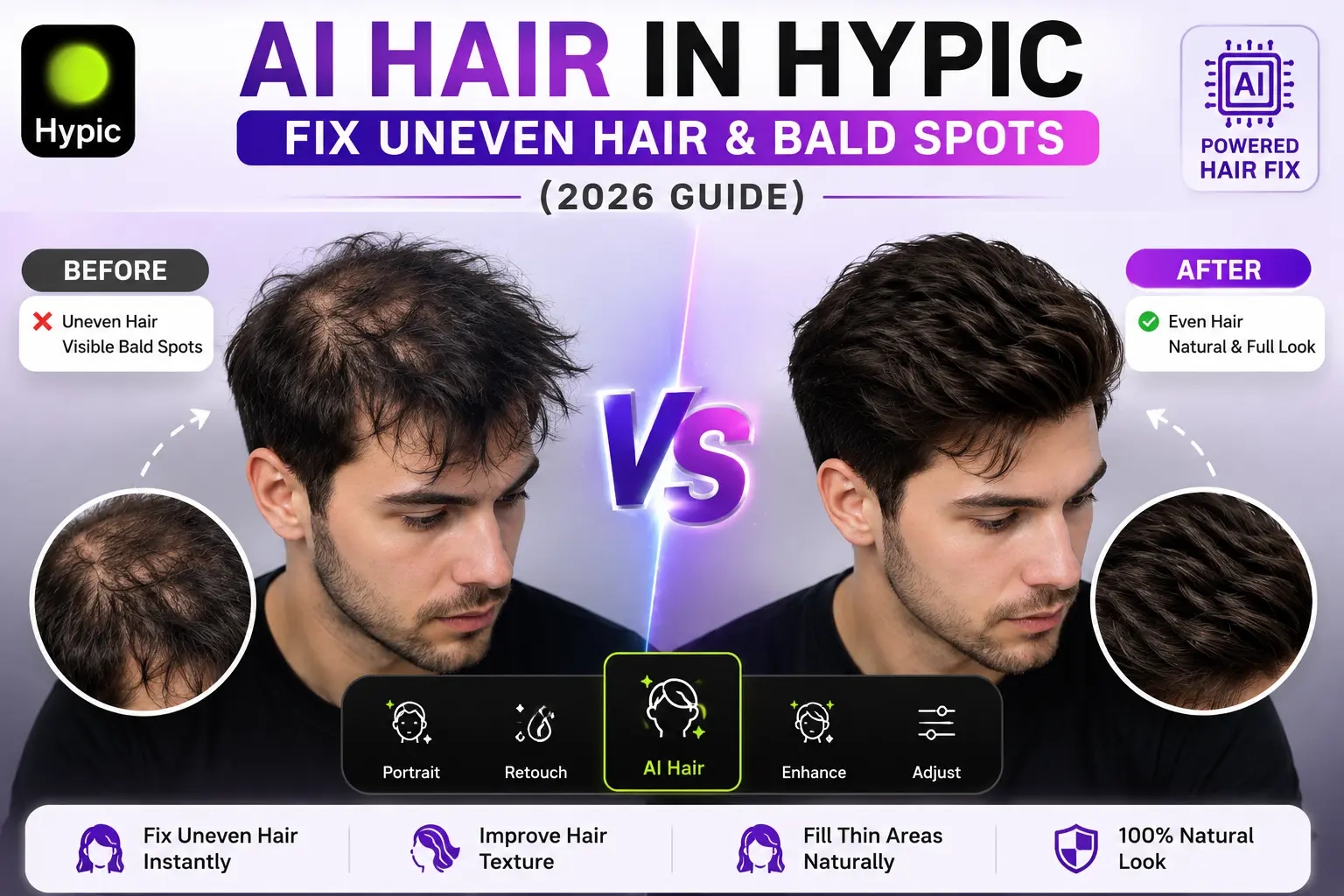
How to Fix Uneven Hair Using AI Hair in Hypic (2026 Guide)
Quick Answer
Want to fix uneven hair, thin hair areas, or bald spots in photos without using complicated editing software?
AI Hair in Hypic is an AI-powered retouching tool that helps improve hair appearance by enhancing hair texture, filling thin-looking areas, and creating a more polished look in portraits and selfies.
In this guide, you’ll learn how to use AI Hair in Hypic, when it works best, and how to get natural-looking results without overediting your photos.
It’s one of several advanced AI tools available in Hypic for portrait enhancement and photo retouching.
What Is AI Hair in Hypic?
AI Hair is a portrait enhancement feature in Hypic designed to improve the appearance of hair in photos.
Instead of manually editing every strand, the AI analyzes the image and applies adjustments automatically.
It can help improve:
- Uneven hairlines
- Thin-looking hair areas
- Hair texture
- Hair density appearance
- Flyaway hairs
- Overall hair quality
The goal is to create a cleaner and more polished portrait while maintaining a natural look.
Why People Use AI Hair in Hypic
Hair plays a major role in portrait photography.
Even a great photo can look less appealing if the hair appears messy, uneven, or poorly lit.
Many users turn to AI Hair because it helps:
Fix Uneven Hair
The tool can improve areas where hair appears inconsistent or untidy.
Improve Portrait Quality
Cleaner hair often makes portraits look more professional.
Enhance Social Media Photos
Many creators use AI Hair before posting selfies on Instagram, TikTok, and other platforms.
Save Editing Time
Instead of manually retouching hair, AI Hair can improve results with just a few taps.
How to Fix Uneven Hair Using AI Hair in Hypic
Follow these simple steps.
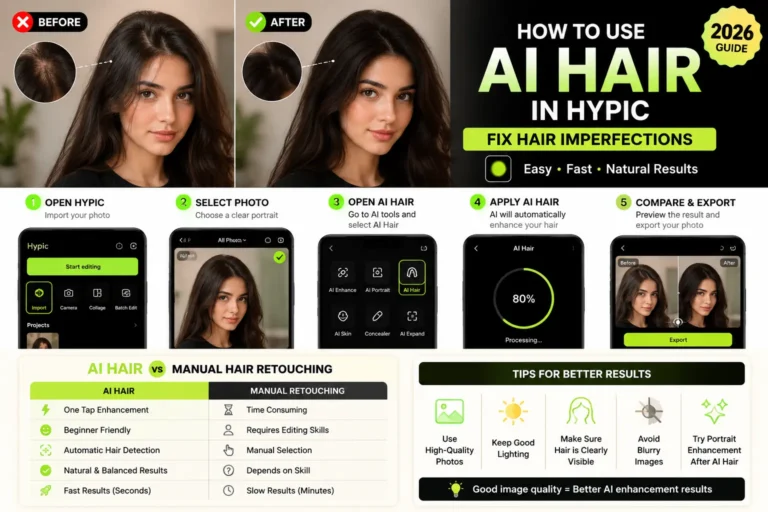
Step 1: Open Hypic
Launch the Hypic app and upload the photo you want to edit.
For best results, choose a clear, high-resolution image.
Step 2: Open the Retouch or Portrait Tools
Navigate to the portrait editing section where AI-powered enhancement features are available.
Depending on your version, AI Hair may appear under:
- Portrait
- Retouch
- Beauty
- AI Tools
If you cannot find the feature, you may be using an older release of the app.
Step 3: Select AI Hair
Tap the AI Hair tool.
The app will automatically analyze the hair area before applying enhancements.
Step 4: Adjust the Effect Strength
If available, adjust the intensity level.
A moderate setting often produces the most natural results.
Too much enhancement may make the image look artificial.
Step 5: Compare Before and After
Review the image carefully.
Pay attention to:
- Hairline appearance
- Texture consistency
- Density improvements
- Overall realism
Step 6: Save the Edited Photo
Once satisfied with the result, export the image in high quality.
Can AI Hair Fix Bald Spots in Photos?
AI Hair can improve the appearance of thin hair areas and minor bald spots in photos.
However, results depend on:
- Image quality
- Lighting
- Hair visibility
- Editing strength
For small imperfections, AI Hair often produces convincing results.
Some users combine AI Hair with creative AI-generated backgrounds and editing techniques for even better results.
For larger bald areas, results may vary.
Before vs After Using AI Hair
| Before | After |
|---|---|
| Uneven Hair Appearance | More Balanced Hair |
| Visible Thin Areas | Improved Density Appearance |
| Flyaway Hair Strands | Cleaner Look |
| Basic Portrait | Polished Portrait |
| Less Professional Appearance | Enhanced Portrait Quality |
Best Photos for AI Hair Enhancement
AI Hair generally works best on:
- Selfies
- Portrait photography
- Profile pictures
- Professional headshots
- Social media photos
- Fashion portraits
Photos with good lighting usually achieve the most realistic results.
If you’re editing photos on a computer, using a larger screen can make it easier to inspect hair details and retouching quality.
Tips for Natural-Looking Results
Avoid Maximum Strength
Overusing AI Hair can make hair look unnatural.
Start with a moderate adjustment.
Use High-Resolution Photos
The AI performs better when it can clearly detect hair details.
Combine with Other Hypic Tools
For better portraits, combine AI Hair with:
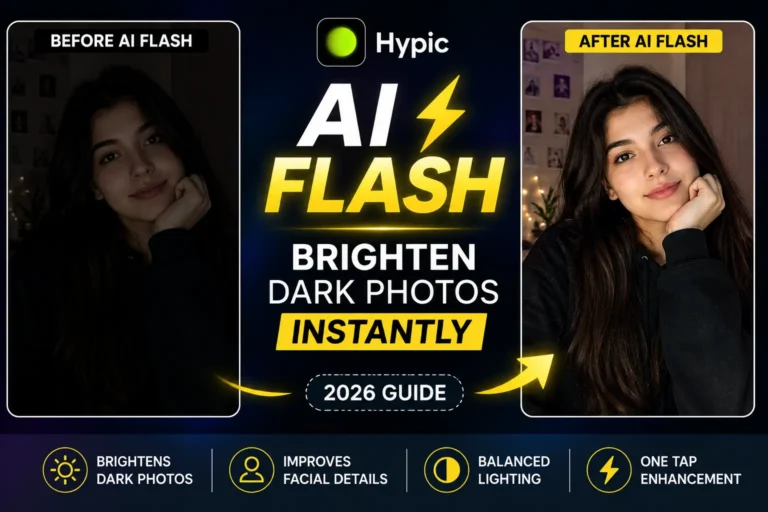
- AI Flash
- Portrait Enhancement
- Skin Retouching
- Background Cleanup
Many creators combine multiple editing features to achieve the best portrait results.
Check the Hairline Carefully
Always zoom in and inspect the hairline before saving the image.
Common Problems and Solutions
Hair Looks Artificial
Reduce the effect intensity and reapply.
AI Doesn’t Detect Hair Properly
Use a clearer image with better lighting.
Results Look Inconsistent
Try reapplying the effect or using a different portrait photo.
AI Hair vs Manual Hair Retouching
| Feature | AI Hair | Manual Editing |
|---|---|---|
| Speed | Fast | Slow |
| Beginner Friendly | Yes | No |
| Natural Results | Good | Depends on Skill |
| Ease of Use | Excellent | Moderate |
| Time Required | Seconds | Minutes to Hours |
For most users, AI Hair offers a much faster solution.
Is AI Hair Better Than a Hair Retouch App?
Many traditional hair retouch apps require manual editing, brushing tools, or advanced adjustments.
AI Hair in Hypic automates much of the process, making it easier for beginners to improve hair appearance with minimal effort.
For quick portrait edits, AI Hair is often faster and more convenient than manual hair retouching apps.
Who Should Use AI Hair?
This feature is ideal for:
Content Creators
Improve selfies and profile photos before posting online.
Professionals
Enhance headshots and personal branding photos.
Fashion Creators
Create cleaner and more polished portrait images.
Everyday Users
Fix minor hair imperfections without advanced editing skills.
The feature is available on both Android and iPhone versions of the app.
Frequently Asked Questions
What does AI Hair do in Hypic?
AI Hair enhances hair appearance by improving texture, density, and overall presentation in photos.
Can AI Hair fix bald spots?
It can improve the appearance of small bald spots and thin hair areas, although results depend on the image.
Is AI Hair available in all Hypic versions?
Availability may vary depending on the version you are using.
Does AI Hair work on group photos?
Yes, but results are generally better on close-up portraits and selfies.
Can beginners use AI Hair?
Yes. The tool is designed to be simple and beginner-friendly.
Final Thoughts
AI Hair in Hypic is one of the most useful portrait enhancement tools for improving uneven hair, thin-looking areas, and overall hair appearance in photos.
Instead of spending time on manual retouching, you can achieve cleaner and more professional-looking results with just a few taps.
Whether you’re editing selfies, profile pictures, fashion photos, or social media content, AI Hair can help create a more polished final image while maintaining a natural look.
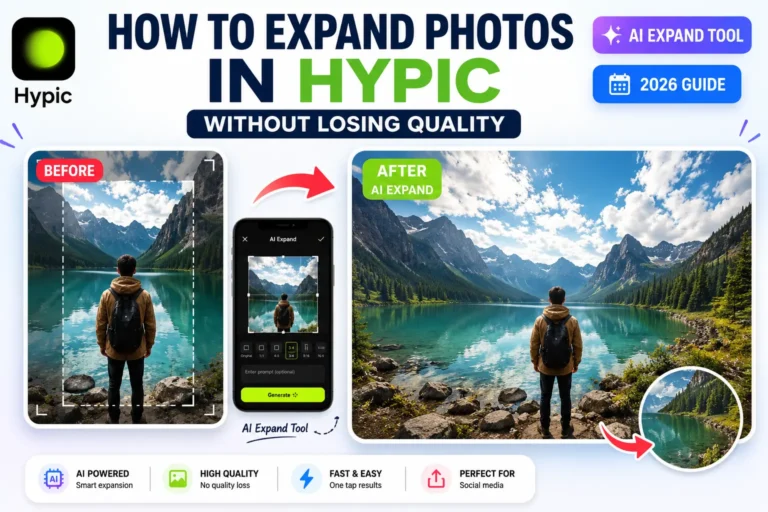
If you’re exploring more Hypic features, consider trying AI Flash, AI Expand, and Portrait Enhancement tools to further improve your photos.