How to Use AI Hair in Hypic to Fix Hair Imperfections (2026 Guide)
Quick Answer
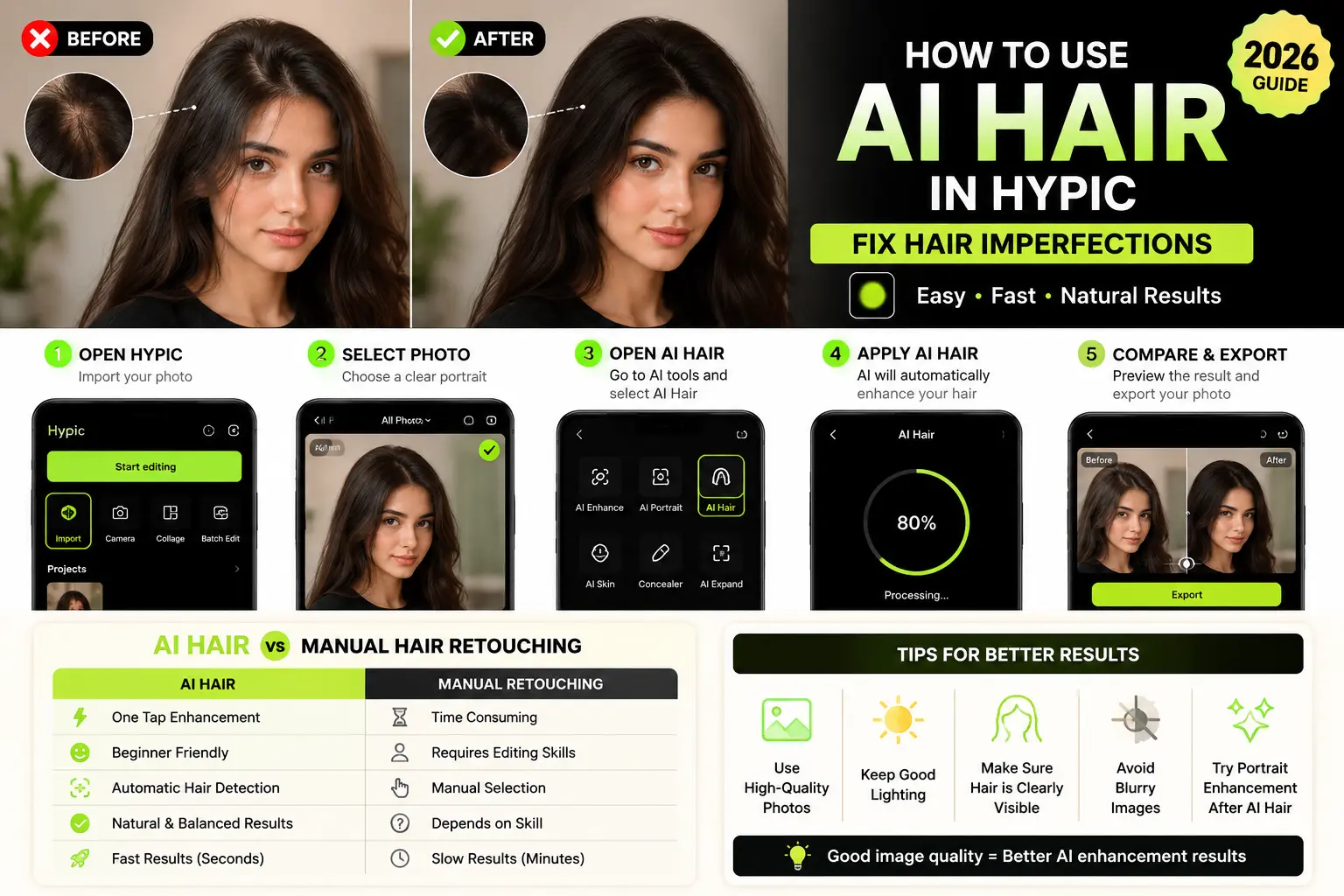
AI Hair in Hypic is an AI-powered retouch tool that helps fix uneven hair color, bald patches, thin hair areas, and messy edges automatically. Simply upload your photo, open the AI Hair feature, apply the enhancement, and export the improved image within seconds.
Introduction
Hair imperfections can easily ruin an otherwise perfect photo.
Uneven hairlines, visible scalp areas, faded hair color, flyaway strands, or patchy hair often become more noticeable in selfies and close-up portraits. Traditionally, fixing these issues required advanced manual retouching skills using professional editing software.
Hypic introduced AI Hair to simplify the process.
Instead of manually editing every small detail, AI Hair intelligently analyzes your hair area and automatically improves texture, color balance, density, and overall appearance while keeping the final result natural.
Whether you edit selfies, portraits, or social media photos, AI Hair makes professional-level hair retouching much faster and easier.
If you want access to the latest AI tools, download the latest Hypic Mod APK version with all premium AI features unlocked.
If you want access to all the latest AI tools, download the latest version from our Hypic Mod APK page.
What Is AI Hair in Hypic?
AI Hair is an advanced AI retouch feature inside Hypic designed to improve hair appearance automatically.
The tool analyzes:
- hair texture
- uneven color
- thin patches
- bald spots
- messy edges
- lighting around hair
After processing the image, it intelligently enhances the hair area to create a cleaner and more polished appearance.
Instead of manually fixing:
- hair density
- flyaway strands
- patchy hair
- uneven color
- hairline imperfections
AI Hair handles these adjustments automatically using AI technology.
Main Benefits
✅ Fixes uneven hair instantly
✅ Improves hair texture naturally
✅ Covers small bald patches
✅ Enhances portrait quality
✅ Saves editing time
✅ Beginner-friendly AI editing
How to Use AI Hair in Hypic
Follow these simple steps:
Step 1: Open Hypic
Launch the Hypic app on your device.
Tap:
Import Photo
to select an image from your gallery.
Step 2: Choose a Portrait Photo
AI Hair works best on:
- selfies
- close-up portraits
- profile pictures
- beauty photos
- social media content
Choose a high-quality image for better AI detection.
Step 3: Open AI Hair Tool
After importing the image:
Scroll through the AI editing tools and locate:
AI Hair
inside the portrait enhancement section.
Step 4: Apply AI Hair
Tap:
AI Hair
The system automatically scans:
- hairline
- texture
- scalp visibility
- lighting
- color consistency
Wait a few seconds while the AI processes the image.
Step 5: Compare Before and After Results
After processing finishes:
Compare the original image with the enhanced result.
If satisfied:
Tap Export
to save your edited image.
AI Hair vs Manual Hair Retouching
Many users still fix hair manually using advanced editing tools, but AI Hair makes the process much simpler.
| Feature | AI Hair | Manual Retouching |
|---|---|---|
| Editing Speed | One Tap | Time Consuming |
| Beginner Friendly | Yes | Difficult |
| Hair Detection | Automatic | Manual |
| Natural Results | Balanced AI | Depends on Skill |
| Time Required | Seconds | Several Minutes |
| Learning Needed | No | Yes |
For most users, AI Hair is the faster and easier solution.
Best Photos for AI Hair
AI Hair performs best on:
Selfies
Especially front-camera photos with visible hair details.
Portrait Photography
Close-up portrait images with proper lighting.
Social Media Photos
Instagram profile photos, reels thumbnails, and aesthetic portraits.
Beauty Photos
Makeup and fashion portraits where hair appearance matters.
Slightly Uneven Hair Images
Photos with visible patches, thin areas, or faded hair color.
You can also improve portrait lighting using the AI Flash feature in Hypic.
Tips for Better Results
To get cleaner AI enhancements:
✔ Use high-resolution photos
✔ Keep hair clearly visible
✔ Avoid blurry images
✔ Use balanced lighting
✔ Avoid heavy filters before editing
✔ Try portrait enhancement after AI Hair
Good image quality usually produces more realistic results.
Common Problems and Fixes
AI Hair Not Appearing?
Try:
- Updating Hypic to the latest version
- Restarting the app
- Checking AI feature availability
Older app versions may not include newly released AI tools.
Hair Looks Overprocessed?
Sometimes the enhancement may appear too strong.
Fix:
Reduce effect intensity manually after applying AI Hair.
Processing Takes Too Long?
Possible reasons:
- slow internet connection
- large image size
- temporary AI server delay
Wait a few seconds and try again.
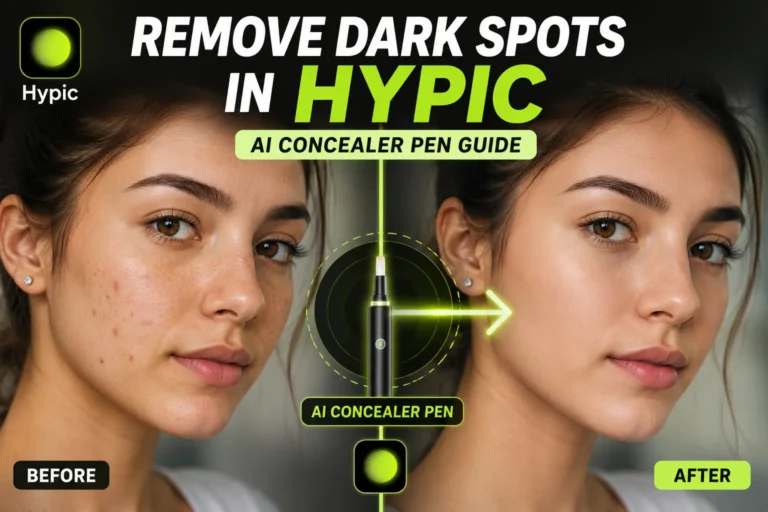
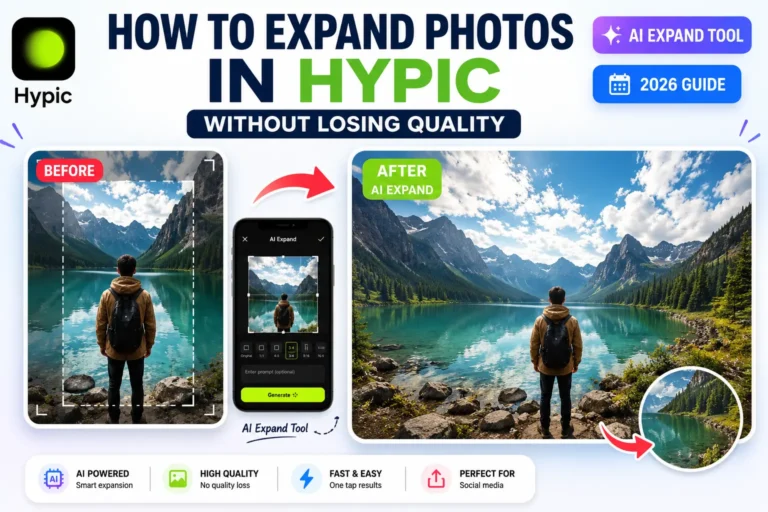
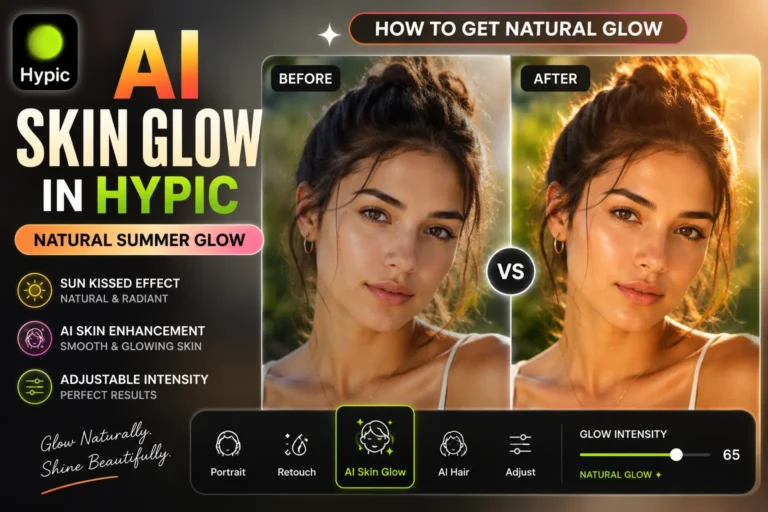
Users who enjoy AI portrait editing may also like AI Skin Glow, AI Expand, and Concealer Pen available in the latest Hypic update.
Final Verdict
AI Hair is one of the most useful portrait enhancement tools introduced in recent Hypic updates.
Instead of manually fixing hair imperfections using complicated software, the tool automatically improves hair texture, density, and appearance within seconds.
Whether you create selfies, beauty portraits, or aesthetic social media content, AI Hair can help make your photos look cleaner and more polished with minimal effort.
If you enjoy AI-powered portrait editing, you may also like the AI Skin Glow and Concealer Pen features available in the latest Hypic update.
FAQs
If you are using an older app version, check our latest Hypic old versions collection.
Is AI Hair free in Hypic?
Some versions include AI Hair for free, while premium access may depend on updates.
Can AI Hair fix bald spots?
AI Hair can improve the appearance of small thin areas and patchy hair in photos.
Does AI Hair work on group photos?
It works best on close-up portraits and selfies where hair details are clearly visible.
Why can’t I find AI Hair in Hypic?
Update Hypic to the latest version because older releases may not support new AI tools.
Does AI Hair reduce photo quality?
No. The tool is designed to improve hair appearance while maintaining overall image quality.