Quick Adjust Vibe in Hypic: Turn Cloudy Photos into Golden Hour Shots (2026 Guide)
Quick Answer
Want to transform dull, cloudy photos into warm golden hour shots without waiting for perfect lighting?
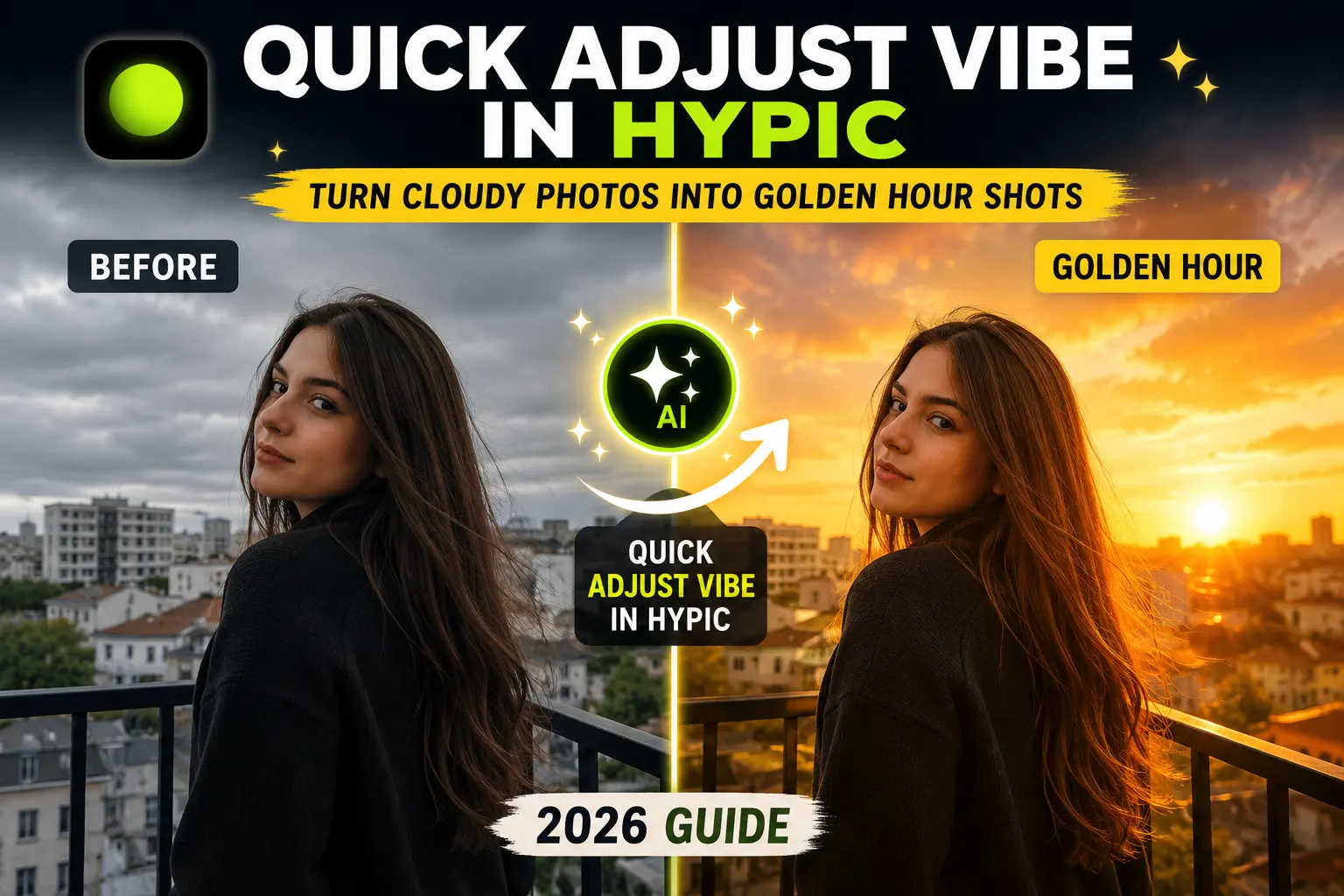
Quick Adjust Vibe in Hypic is an AI-powered editing feature that instantly changes the mood of your photos. With just one tap, it can replace flat, overcast lighting with a beautiful golden hour filter or a cinematic blue hour effect, making your images look brighter, warmer, and more professional.
In this guide, you’ll learn how to use Quick Adjust Vibe in Hypic, when to choose Golden Hour or Blue Hour, and how to achieve realistic results without overediting.
What Is Quick Adjust Vibe in Hypic?
Quick Adjust Vibe is one of Hypic’s latest AI-powered editing tools designed to change the overall atmosphere of a photo automatically.
Instead of manually adjusting brightness, warmth, highlights, shadows, and color grading, the AI analyzes your image and applies a balanced lighting style in seconds.
Whether you’re editing travel photos, portraits, or outdoor landscapes, Quick Adjust Vibe makes it easy to create professional-looking results with minimal effort.
Why Is Quick Adjust Vibe So Popular?
Lighting has a huge impact on the overall appearance of a photo.
Unfortunately, not every picture is taken during ideal conditions. Cloudy skies, flat lighting, or harsh daylight can make photos look dull and lifeless.
Quick Adjust Vibe solves this problem by intelligently changing the lighting mood while preserving natural colors and details.
For even more consistent AI edits, you can also use Reference Photos in Hypic to guide the app toward your preferred editing style.
People love this feature because it can:
- Create a realistic golden hour look
- Add a cinematic blue hour atmosphere
- Improve cloudy outdoor photos
- Enhance travel photography
- Make social media posts more eye-catching
- Save time compared to manual editing
What Is the Golden Hour Filter?
Golden Hour is the short period just after sunrise or before sunset when sunlight becomes warm, soft, and golden.
Professional photographers often prefer shooting during this time because it creates:
- Warm skin tones
- Soft shadows
- Beautiful highlights
- Natural-looking portraits
- Rich landscape colors
With Quick Adjust Vibe, you can recreate this lighting even if your original photo was taken in poor weather or during the middle of the day.
What Is the Blue Hour Effect?
Blue Hour happens shortly before sunrise or after sunset when the sky turns deep blue and the environment becomes cooler.
The Blue Hour Effect is popular for:
- City photography
- Night portraits
- Street photography
- Architecture
- Travel photos
- Cinematic edits
Quick Adjust Vibe can simulate this atmosphere by adjusting lighting, contrast, and color tones automatically.
How to Use Quick Adjust Vibe in Hypic
Follow these simple steps.
Step 1: Open Hypic
Launch the Hypic app and upload the photo you want to edit.
For the best results, choose a high-resolution image with clear subjects.
Step 2: Find Quick Adjust Vibe
Navigate to the AI editing section.
Depending on your app version, the feature may appear under:
- AI Tools
- Quick Adjust
- Vibe
- Smart Edit
If you can’t find it, make sure you’re using one of the latest versions of Hypic.
Step 3: Choose a Lighting Style
Quick Adjust Vibe usually offers multiple environment presets.
Popular options include:
- Golden Hour
- Blue Hour
- Warm Sunset
- Bright Daylight
Select the style that best matches your creative vision.
Step 4: Adjust the Intensity
Start with a moderate setting.
Applying too much intensity may make the image look unrealistic.
Small adjustments usually produce the most natural-looking results.
Step 5: Compare Before and After
Review the edited photo carefully.
Pay attention to:
- Lighting balance
- Skin tones
- Sky colors
- Overall realism
If necessary, reduce the effect strength for a more subtle look.
Step 6: Save Your Photo
Once you’re happy with the result, export the image in the highest available quality.
Best Photos for Quick Adjust Vibe
This feature works especially well for:
Outdoor Portraits
Warm lighting creates more flattering skin tones.
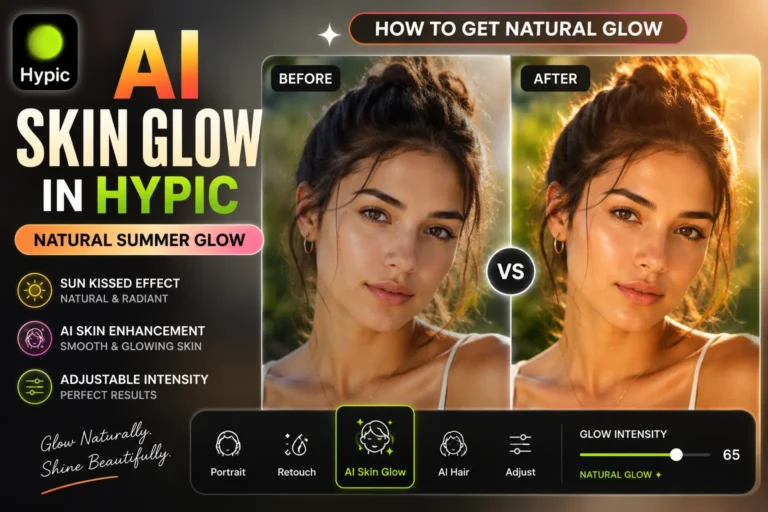
If you want smoother yet natural-looking portraits, our guide on AI Skin Glow in Hypic explains how to enhance skin without making it look artificial.
Travel Photography
Enhances landscapes and scenic views.
For a trendy social media aesthetic, combine this lighting adjustment with the G7X2 Digicam Look in Hypic.
Cloudy Weather Photos
Adds warmth and improves overall atmosphere.
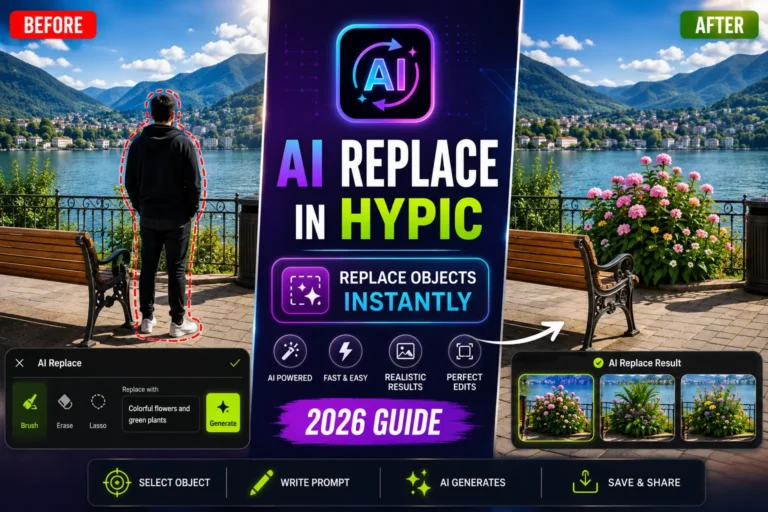
Before applying Quick Adjust Vibe, remove distracting people or unwanted objects with AI Replace in Hypic for cleaner edits.
Nature Photography
Makes skies and greenery appear more vibrant.
Lifestyle Content
Perfect for Instagram, TikTok, and Pinterest.
Golden Hour Filter vs Blue Hour Effect
| Feature | Golden Hour Filter | Blue Hour Effect |
|---|---|---|
| Color Tone | Warm | Cool |
| Best Time Simulation | Sunrise & Sunset | Twilight |
| Portraits | Excellent | Good |
| Landscapes | Excellent | Excellent |
| City Photos | Good | Excellent |
| Overall Mood | Warm & Rmantic | Cinematic & Dramatic |
Tips for Natural Results
Don’t Overuse the Effect
Too much warmth or blue tint can make photos look artificial.
Use High-Quality Photos
AI performs better with clear, high-resolution images.
Keep Natural Skin Tones
Avoid making faces appear overly orange or blue.
Check the Sky Carefully
The sky should blend naturally with the rest of the image.
Compare Before Saving
Always compare the original and edited versions before exporting.
Common Problems and Solutions
The Photo Looks Too Orange
Reduce the Golden Hour intensity.
The Blue Hour Effect Looks Too Dark
Increase brightness slightly after applying the effect.
Colors Look Unrealistic
Lower the effect strength until the image looks balanced.
Sky Doesn’t Match the Lighting
Try a different Vibe preset or reduce saturation.
Best Quick Adjust Vibe Settings
| Setting | Recommended Value |
|---|---|
| Intensity | 40–60% |
| Warmth (Golden Hour) | +10 |
| Cool Tone (Blue Hour) | +10 |
| Highlights | +5 |
| Shadows | +10 |
| Saturation | +5 |
These settings usually produce realistic results without making the image appear overedited.
Who Should Use Quick Adjust Vibe?
This feature is ideal for:
Content Creators
Create eye-catching social media photos in seconds.
Travel Bloggers
Improve outdoor photography without complicated editing.
Influencers
Maintain a consistent aesthetic across Instagram and TikTok.
Everyday Users
Turn ordinary photos into professional-looking images with minimal effort.
Frequently Asked Questions
What is Quick Adjust Vibe in Hypic?
Quick Adjust Vibe is an AI-powered feature that automatically changes the lighting and mood of photos using environment-based presets like Golden Hour and Blue Hour.
Can Quick Adjust Vibe create a Golden Hour effect?
Yes. It can simulate warm sunset lighting even if the original photo was taken under cloudy or flat lighting conditions.
What is the Blue Hour Effect?
The Blue Hour Effect recreates the cool lighting that appears shortly before sunrise or after sunset, producing a cinematic atmosphere.
Does Quick Adjust Vibe work on selfies?
Yes. It works well on selfies, portraits, travel photos, and outdoor photography.
Is Quick Adjust Vibe beginner-friendly?
Absolutely. Most edits can be completed with just one tap.
Final Thoughts
Quick Adjust Vibe in Hypic is one of the easiest ways to transform ordinary photos into stunning edits with realistic lighting. Whether you want a warm Golden Hour filter for sunny portraits or a dramatic Blue Hour effect for cinematic scenes, this AI-powered feature delivers impressive results in just a few taps.
If you’re looking to improve travel photos, outdoor portraits, or social media content without spending hours editing manually, Quick Adjust Vibe is definitely worth trying.