Hypic vs Photoshop (2026): Which Is Better for Beginners & Professionals?
Last Updated: May 2026
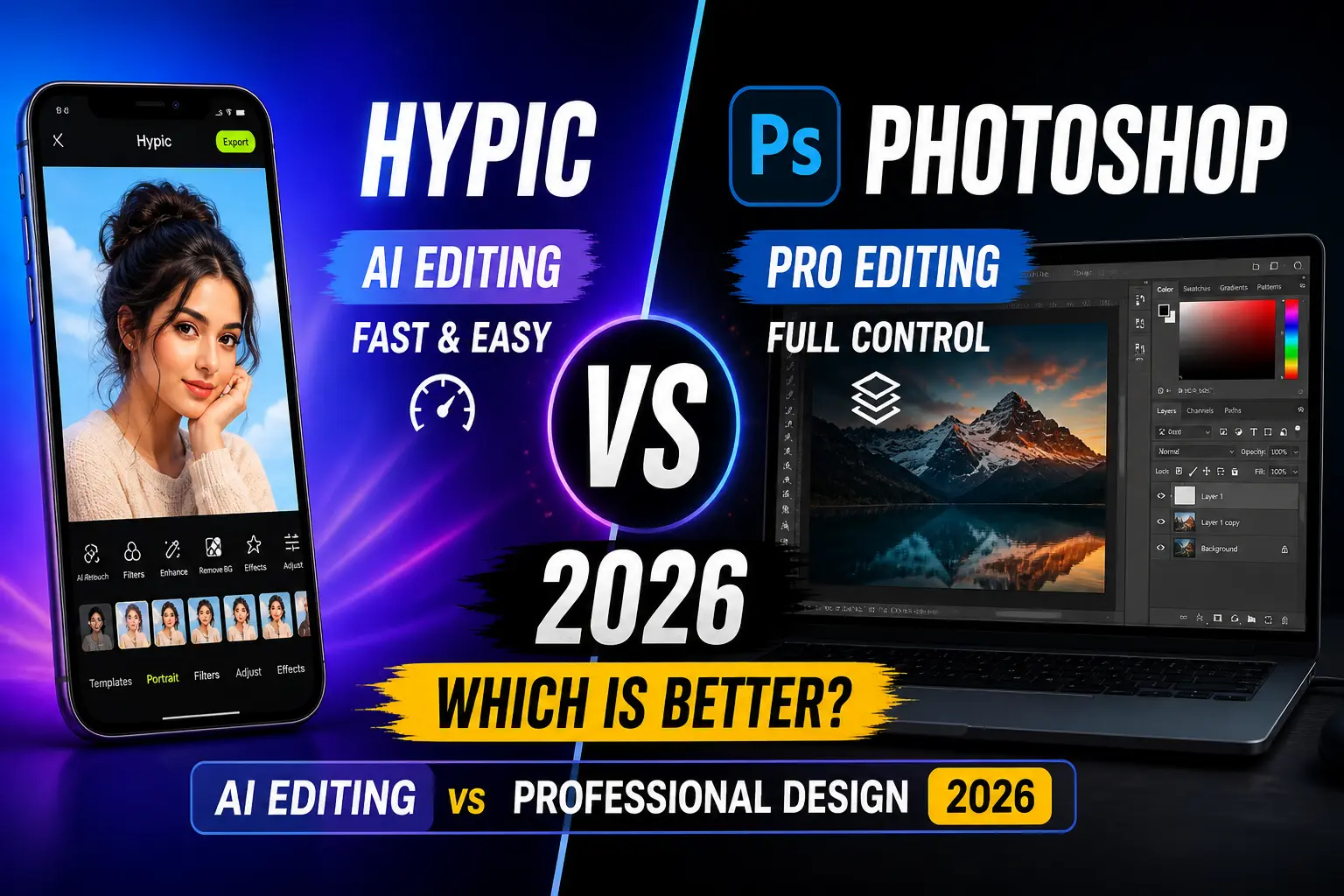
Choosing between Hypic and Photoshop in 2026 can be confusing — one offers fast AI-powered editing, while the other delivers full professional control.
If you’re wondering which one is right for you, this guide will help you decide quickly.
You can also explore more detailed comparisons in our Comparisons section to find the best photo editing apps.
Quick Answer
Hypic is better for beginners and fast AI editing, while Photoshop is better for professionals who need advanced tools, layer editing, and full creative control.
What Is Hypic?
Hypic is a modern AI-based photo editor designed for quick and effortless editing.
Best For:
- Beginners
- Social media creators
- Quick edits
Key Features:
- AI background remover
- Face retouch & beauty tools
- AI object removal
- AI avatar generator
- Ready-made filters & templates
Hypic is built for speed + simplicity.
Want to use it on desktop? Read our complete Hypic for PC guide for step-by-step setup.
What Is Photoshop?
Adobe Photoshop is the industry-standard tool for advanced photo editing and graphic design.
Best For:
- Professional designers
- Photographers
- Advanced users
Key Features:
- Layer-based editing
- Advanced color grading
- Smart objects & masking
- RAW file support
- Creative Cloud integration
Photoshop is built for precision + control.
You can also explore more tools in our best AI photo editing apps list to compare similar apps.
Hypic vs Photoshop (2026 Comparison Table)
| Feature | Hypic | Photoshop |
|---|---|---|
| Editing Style | AI automatic editing | Manual professional editing |
| Ease of Use | Very easy | Complex |
| AI Tools | Strong (retouch, remove, enhance) | Limited |
| Editing Control | Basic | Full control with layers |
| Export Quality | High-quality quick export | Professional full resolution |
| Speed | Very fast | Slower (manual work) |
| Platform | Mobile & PC | Desktop-focused |
| Pricing | Mostly free features | Paid subscription |
| Best For | Quick edits & social media | Professional design work |
If your device doesn’t support the latest version, you can try Hypic old versions easily.
Ease of Use: Which Is Easier?
Winner: Hypic
- One-tap editing
- Clean interface
- Beginner-friendly
Photoshop:
- Complex UI
- Requires training
AI Features: Who Wins?
Winner: Hypic
- Auto retouch
- Background removal
- AI avatars
- Object removal
Photoshop:
- Some AI tools
- Still mostly manual
You can also explore Hypic prompts to create advanced AI edits quickly.
Editing Power: Which Is More Advanced?
Winner: Photoshop
- Full layer control
- Advanced masking
- Professional design tools
Hypic:
- Limited control
- Focused on automation
Real Use Cases
Use Hypic for:
- Instagram posts
- Quick selfies
- Social media content
- Fast editing on mobile
Use Photoshop for:
- Logo design
- Professional photo editing
- YouTube thumbnails (advanced)
- Graphic design projects
Performance & Workflow
- Hypic: Fast, mobile-first workflow
- Photoshop: Heavy but powerful desktop workflow
If speed matters → Hypic
If control matters → Photoshop
Pricing: Free vs Paid
Winner: Hypic
- Many features available for free
- Beginner-friendly
Photoshop:
- Requires Adobe subscription
- Better for professionals
Who Should Use Which?
✅ Choose Hypic if:
- You want fast editing
- You are a beginner
- You create social media content
- You prefer AI tools
Try Hypic for quick and easy editing.
✅ Choose Photoshop if:
- You are a professional designer
- You need full control
- You work with RAW files
- You create advanced designs
Use Photoshop for professional-level editing.
For more guides and updates, visit our homepage where we regularly share the latest AI tools and comparisons.
Final Verdict
Both tools are powerful — but built for different users.
Choose Hypic if you want:
- Speed
- Simplicity
- AI automation
Choose Photoshop if you want:
- Precision
- Control
- Professional results
Final Answer:
For most users in 2026, Hypic is the better choice because it is faster, easier, and beginner-friendly.
❓ FAQs
Is Hypic better than Photoshop in 2026?
Yes, for beginners and quick edits. Photoshop is better for professionals.
Can Hypic replace Photoshop?
No. Hypic is great for quick editing, but Photoshop is still better for advanced design work.
Which is easier to use?
Hypic is much easier than Photoshop.
Is Photoshop worth it in 2026?
Yes, if you need advanced editing and professional tools.